Professional Event Stationery Without the Professional Price
Custom wedding stationery from a designer typically runs $300-800 for place cards, table numbers, and a seating chart. Etsy templates cost $15-40 each and still require editing skills. And free templates from Google are usually obvious — clip art borders, mismatched fonts, and awkward spacing.
There's a better path: platforms that generate print-ready materials automatically from your guest list, with professional design systems that actually look cohesive.
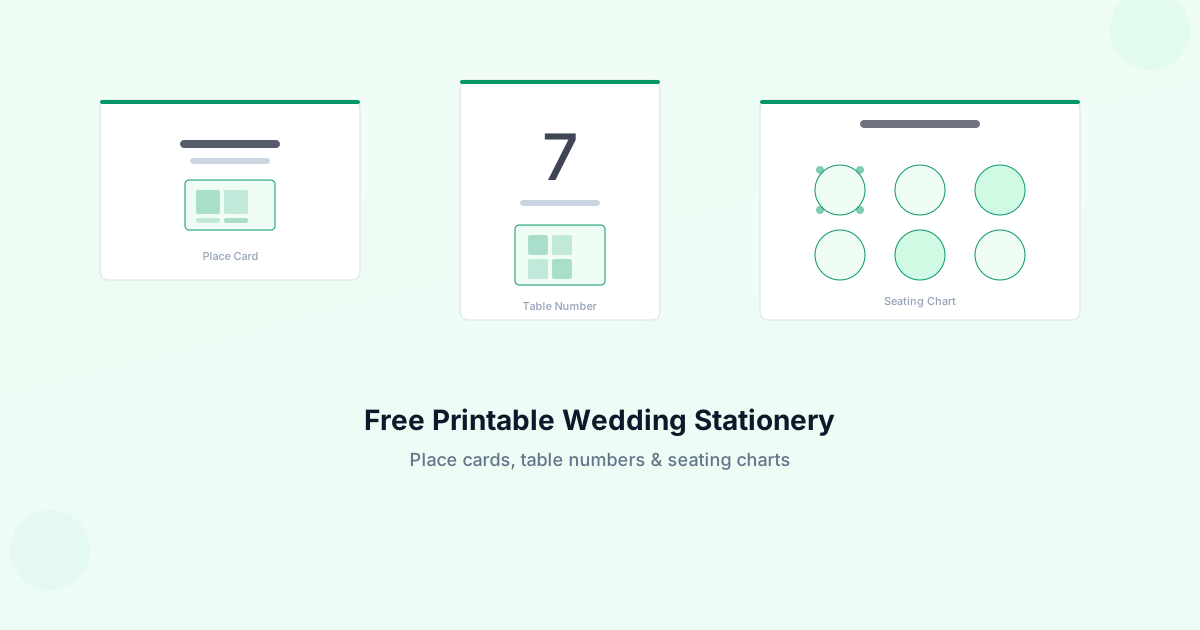
What You Need for a Complete Table Setting
A polished table setup typically includes three things:
Place Cards
Small folded or flat cards at each seat showing the guest's name. Standard sizes are 3.5" x 2" (flat) or 3.5" x 2" folded to a tent card.
Table Numbers
One per table, visible from a distance. Standard sizes range from 4" x 6" to 5" x 7". Tent-fold or frame-ready formats are most common.
Seating Chart
A large display (usually 18" x 24" or 24" x 36") at the venue entrance showing every guest's table assignment. This is the piece guests see first.
The DIY Approach: What It Actually Takes
If you're going the fully manual route, here's the honest time investment:
- Choose a template — 1-2 hours browsing and comparing
- Edit each card — For 100 guests, that's 100 individual edits in Canva or Word
- Match the design — Getting place cards, table numbers, and seating chart to feel cohesive takes design skill
- Format for printing — Bleed marks, margins, crop lines, proper DPI
- Test print — At least one round of test prints to catch sizing issues
- Final print — Either at home (card stock + decent printer) or at a print shop
Realistic total: 6-10 hours for a 100-guest event.
That's manageable if you enjoy the process. But if you're three weeks out and still working through a guest list that keeps changing, you need something faster.
The Automated Approach
Platforms like GuestQR generate all three — place cards, table numbers, and seating charts — automatically from your guest list. You add guests, assign tables, pick a design, and download print-ready PDFs.
What that looks like in practice:
- Import your guest list (CSV or manual entry) — 5 minutes
- Assign seating (drag-and-drop or AI suggestions) — 15 minutes
- Choose a design suite — 2 minutes
- Download PDFs — instant
- Print at home or send to a print shop — 30 minutes
Total: under an hour, even for 200+ guests.
And when your aunt calls three days before the wedding to add her new boyfriend, you update one guest and re-download. No re-editing 100 individual cards.
What Makes a Good Printable Design
Not all templates are created equal. Here's what separates professional-looking printables from amateur ones:
Consistent typography. The same font pairing across every piece — place cards, table numbers, seating chart. Mixed fonts look accidental.
Proper spacing. Text should never feel cramped or touch the edges. Professional designs use generous margins and clear hierarchy.
Print-aware sizing. Designs built for screen look different when printed. Good templates account for bleed zones (the area that gets trimmed), safe zones (where text must stay), and standard paper sizes.
Color cohesion. Every piece should share the same color palette. A sage green place card next to a navy table number looks disjointed.
Design Styles That Work for Most Weddings
| Style | Best For | Color Palette |
|---|---|---|
| Classic Monogram | Formal/traditional | Black, white, cream |
| Romantic Floral | Garden/outdoor | Dusty rose, sage, cream |
| Modern Minimalist | Contemporary/urban | Sage, white, charcoal |
| Luxe Metallic | Evening/ballroom | Navy, gold, ivory |
| Rustic Natural | Barn/vineyard | Kraft, olive, burgundy |
| Art Deco | Gatsby/vintage | Black, gold, cream |
Printing Tips
At Home
- Use 80-110lb card stock (regular paper feels flimsy)
- Set your printer to "best quality" and "actual size" (not "fit to page")
- Print one test page first to check alignment
- Use a paper cutter, not scissors, for clean edges
At a Print Shop
- Send PDF files, not Word docs or images
- Request 100lb cover stock or similar
- Ask for crop marks if you need precise trimming
- Budget $0.30-0.75 per card depending on quantity and stock
Getting Started
If you want to skip the hours of manual editing and go straight to professional, print-ready materials:
Generate print-ready place cards, table numbers, and seating charts
Import your guest list, pick a design, download PDFs. Every piece matches. Updates in seconds when your guest list changes.
FAQ
Can I really get professional-quality printables for free?
Yes. GuestQR's free tier (up to 50 guests) includes place cards, table numbers, and seating charts in all available design suites. Premium events ($9.99) add unlimited guests and additional options.
What file format do I get?
PDF files optimized for printing at standard sizes. They include crop marks and bleed areas for professional results.
What if my guest list changes after I've printed?
With GuestQR, you re-download updated PDFs instantly. You only need to reprint the cards that changed — not the entire set.