Every event has
hundreds of
stories.
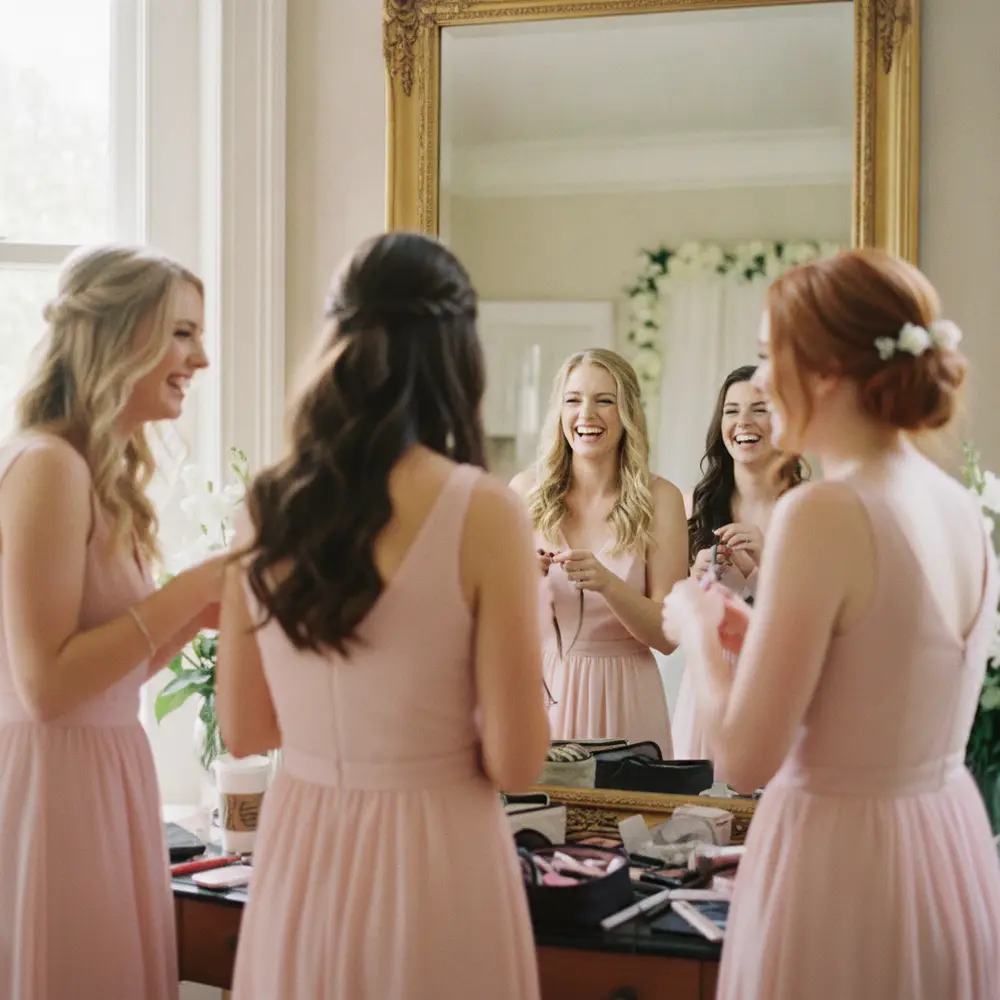
Most of them never reach you. GuestQR gathers every photo, note, and moment your guests capture — from one QR code, into one place.
One QR. Unlimited guests. Every memory.
How it works
From setup to keepsake, in one thread.
- 1
Create the event
Live at once — rehearse with your phone.
- 2
Generate one QR
Signs, cards, table tents.
- 3
Guests scan
Straight in — no app, no login.
- 4
Moments pour in
Photos, notes, voice & video.
- 5
We organize
Your best shots, drafted into an album.
- 6
Keep everything
Download the whole night.
One scan, everything
Far more than a photo drop.
A single QR quietly runs the whole guest experience — arrivals, seating, photos, messages, the room's big screen, and the follow-up afterward.
Table check-in, no clipboard
Guests type their name and instantly see where they're seated — checked in the moment they scan.
Amara Chen
You're at Table 4
Shared photo gallery
Every guest's angle, in one place.
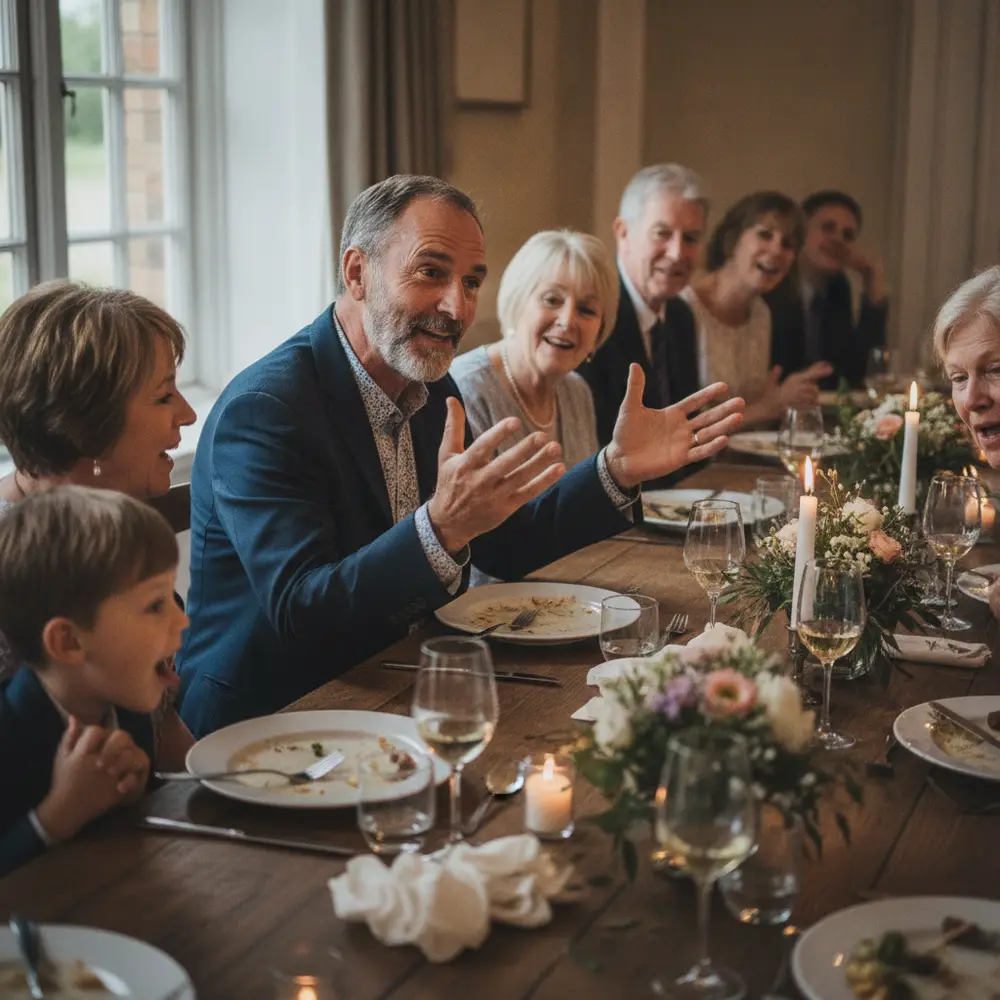
Guests like & comment in real time
Guestbook, three ways
Write it, say it, or film it.
Live wall on the big screen
The room watches itself fill up.
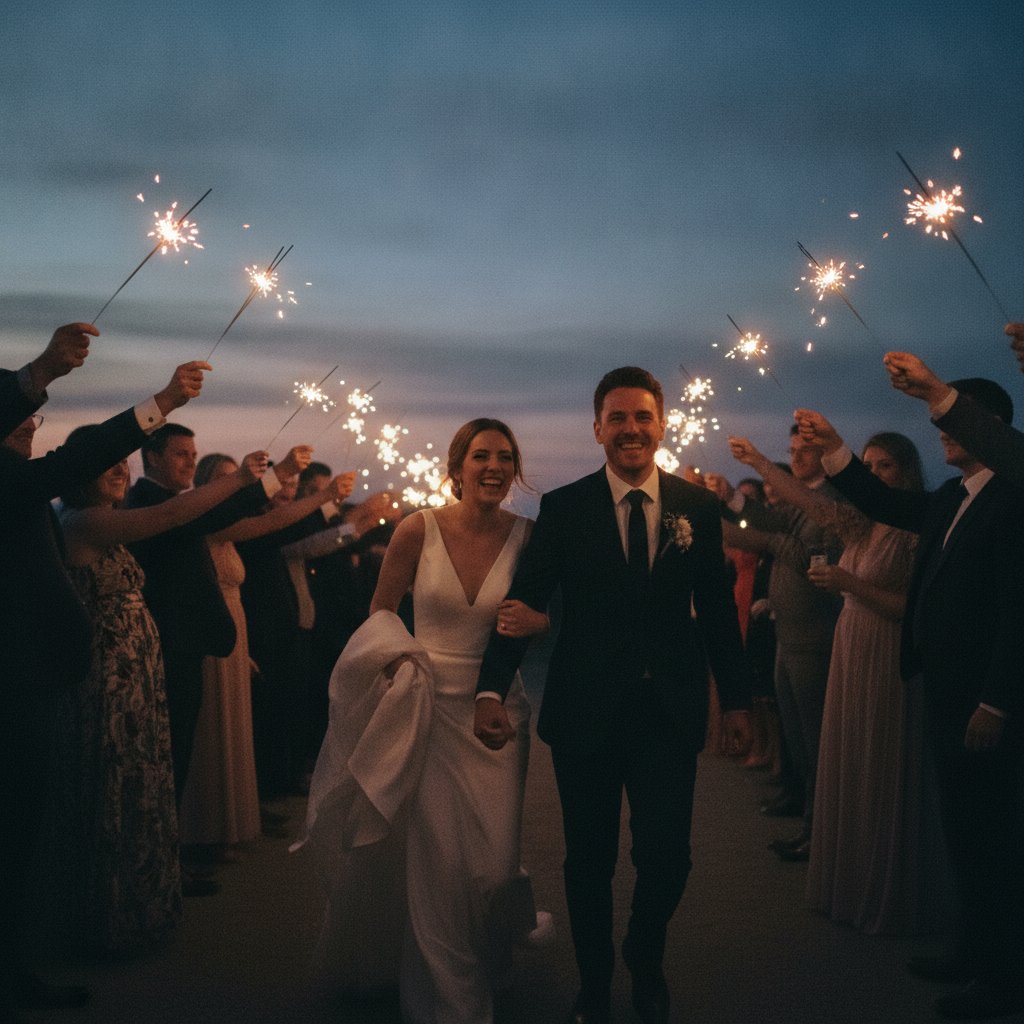 Now showing
Thank every guest after
One tap sends a warm note to everyone who came.
Thank you for celebrating with us 💛
Delivered to 184 checked-in guests
SentThe guest experience
Sharing becomes part of the party.
Guests like and comment on each other's photos, leave written, voice, or video notes in the guestbook, and watch the night light up the big screen — see all three.
Sarah & James
Shared gallery · 214 photos
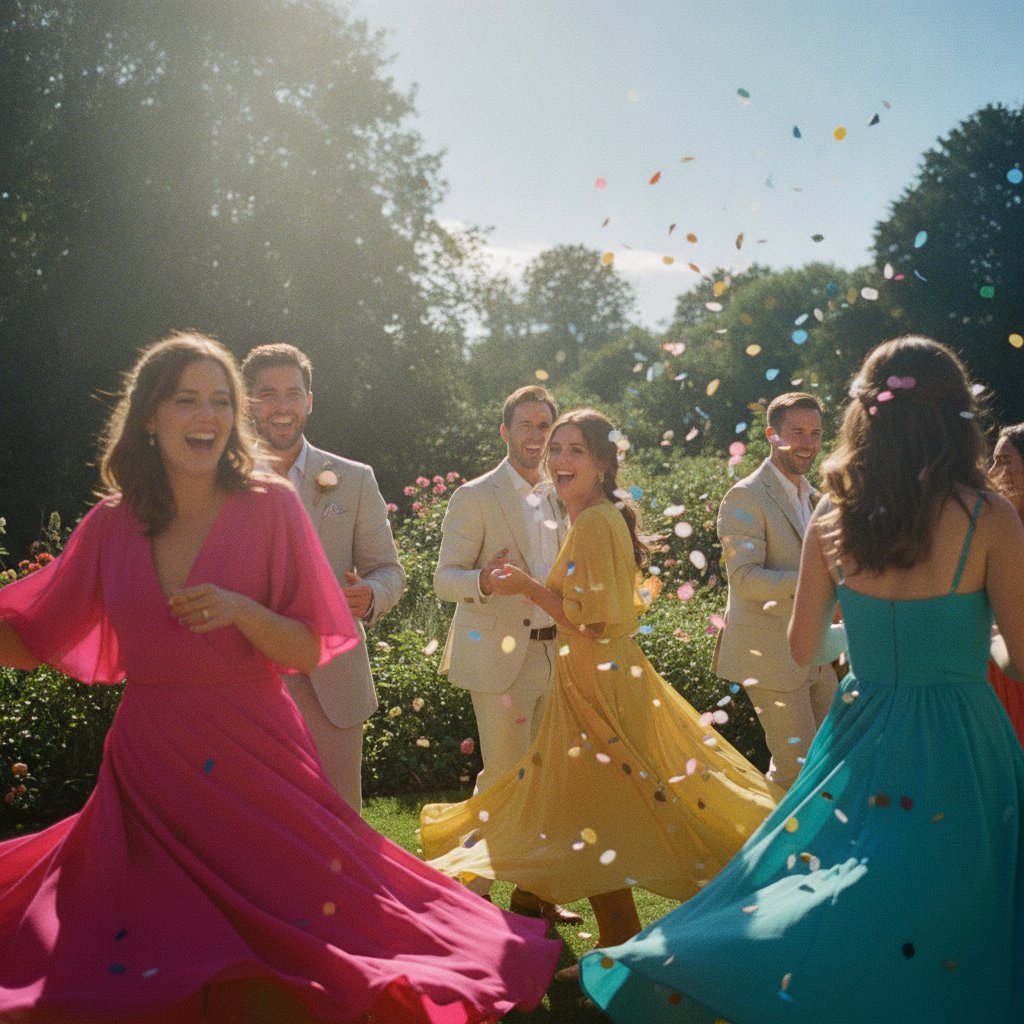
Maya SO beautiful 😍
Dev Best night ever 🎉
Make it yours
Your event, your colors, your vibe.
Add a cover photo, pick an accent, switch on an evening theme. Your look carries through every screen your guests touch — from the welcome page to photos and the guestbook — previewed live as you design.
Try the accent and evening toggle →

Welcome to
Sarah & James
Saturday, June 20
Find your name
Type your name to find your seat and check in.
Afterwards, on Premium
You enjoy the celebration.
We'll organize the memories.
- Surfaces the best shots from the night
- Drafts a print-ready photo album
- Groups the evening into a story you can flip through
- You review, reorder, and order — or just download it all
Draft album ready — your best moments, arranged into pages.
On the day
Watch it happen from your dashboard.
Arrivals, uploads, and guestbook notes roll in live — here's how a busy celebration looks as it fills up.
0
Guests checked in
0
Photos shared
0
Guestbook notes
0
Uploads in the last hour
Two sides, one QR
Powerful for you. Effortless for them.
Organizer
Everything, in control
- A live dashboard for the whole event
- Arrivals and uploads as they happen
- AI-drafted albums from the best moments
- Export every photo and note when it's over
Guest
Nothing to learn
No app to download. No account to create.
For every kind of event
Not just weddings.
If it's worth remembering, it's worth a GuestQR.
Planning one event?
Set it up free, and move that single event up to Plus or Premium when it needs more room. Pay once, no subscription.
Running events all year?
Planners and studios go Agency — every event you create is Premium, with a team and one monthly plan instead of paying per event.
On every plan, Free included
What every event gets.
Nothing for guests to install
No app and no account. Guests scan the QR and they're in, on any phone.
Rehearse before the day
Your event is live the moment you create it. Try it with your own phone, then clear the test photos before guests arrive.
The door stays open afterwards
Guests can keep adding photos for 10 days after the event — longer if you choose.
Everything is yours to keep
Download every photo and video as one ZIP whenever you like. Remove anything you'd rather not keep.
Simple pricing
Start free. Upgrade when it matters.
Free
Check-in, table lookup, photos, guest book and live wall — live the moment you create it, with room for a taste.
- QR check-in & table lookup, unlimited guests
- 25 photos · 10 guest-book notes · live wall
- Kept 30 days after the event
- Move up any time — pay only the difference
Plus — per event
Room for a party, kept for a season. Everything Free has, with ten times the gallery.
- 250 photos and videos
- Unlimited guest-book notes
- Kept 90 days after the event
- Live wall on any screen
The full memory layer — room for 3,000–6,000 photos from unlimited guests, kept for a year.
- Photos and videos — 3,000–6,000 photos
- Unlimited guest-book notes
- AI-drafted keepsake album
- Collaborators · kept 365 days
Every event, premium
A monthly plan for planners and studios running events all year.
Ready to capture
every memory?
Set up in minutes. It's live the moment you create it — rehearse with your own phone, then let the night collect itself.
No credit card · no app for guests · live in 5 minutes