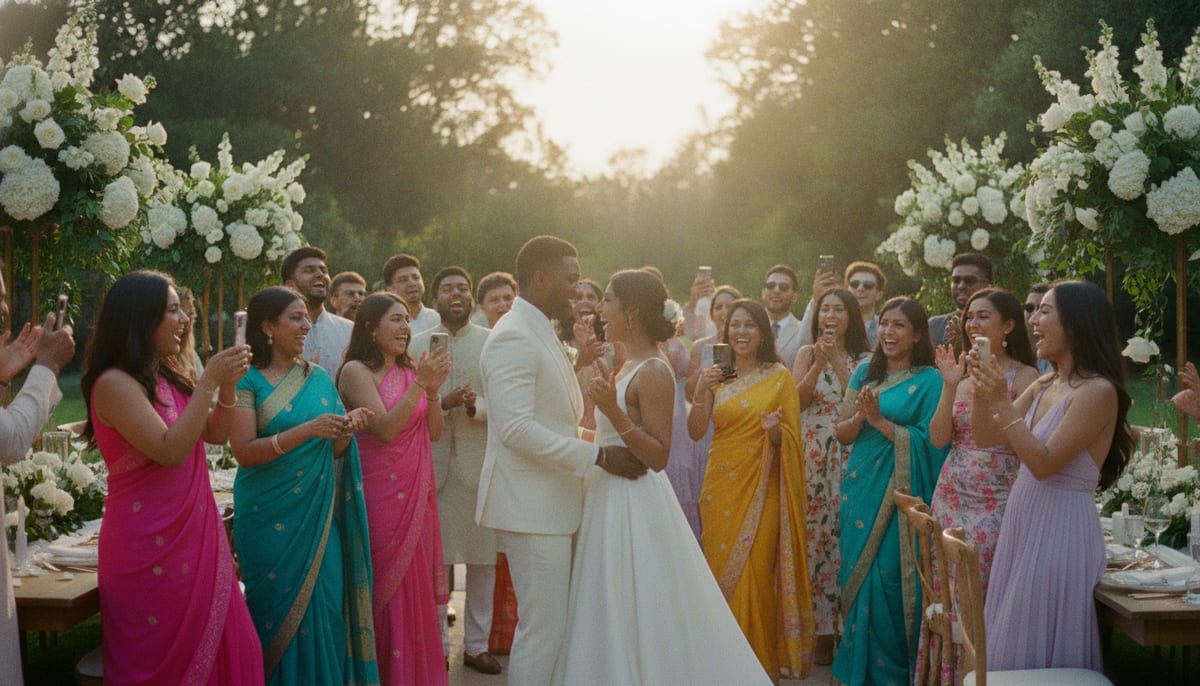
The Problem Every Couple Faces After the Wedding
Your photographer captured the ceremony, the first dance, and a few posed group shots. But what about the candid moments? Your grandmother tearing up during the vows. Your college friends on the dance floor. The kids sneaking extra cake.
Those photos live on dozens of guest phones — and without a simple collection method, most of them stay there forever.
Why "Just Make a Google Drive Folder" Doesn't Work
The most common advice is to create a shared Google Drive or Dropbox folder and text the link to everyone. In practice, this fails for several reasons:
- Guests need to sign into their Google or Dropbox account
- Links get buried in group chats
- Older guests find cloud storage confusing
- There's no reminder or prompt at the event itself
- Photos end up unorganized with no context
The result? Maybe 5-10% of guests actually contribute.
Strategy 1: QR Codes on Every Table
The single most effective method is placing a QR code where guests are already sitting. When a card on the table says "Share your photos," guests scan it immediately — no app download, no login, no friction.
How to set it up:
- Create your event on a platform like GuestQR
- Generate a unique QR code for your event
- Print QR codes on table cards, place cards, or standalone signs
- Guests scan → upload photos directly from their camera roll
Expected participation: 40-60% of guests, based on typical event data.
The key insight is that QR codes work because they meet guests where they already are — at the table, phone in hand, during downtime between courses.
Strategy 2: Physical Photo Station
Set up a dedicated area with a sign, ring light, and a tablet or QR display. This works especially well as a complement to table QR codes because it creates a photo-booth-like experience.
Tips for a great station:
- Place it near the bar or dessert table (high traffic areas)
- Add props if you want playful shots
- Include clear instructions: "Scan. Snap. Share."
- Use a large printed QR code (at least 8 inches) so it's scannable from a distance
Strategy 3: Assign a Photo Champion
Ask one enthusiastic friend per table to be the unofficial photo coordinator. Their job: remind people to scan the QR code and share their best shots.
This social nudge doubles participation without any technology changes.
Strategy 4: Send a Post-Event Reminder
The day after the wedding, send a text or email to all guests with the photo sharing link. Many guests take their best candid shots later in the evening when they've forgotten about the QR code.
Example message:
Thank you for celebrating with us! We'd love to see your photos from last night. Upload them here: [link]
What About Hashtags?
Instagram and TikTok hashtags sound convenient, but they have real drawbacks:
- Only works for guests with public accounts
- Photos are scattered across platforms
- No way to download in bulk
- You can't control what gets posted under your hashtag
- Stories disappear after 24 hours
Hashtags are great for social buzz, but terrible for actually collecting photos you can keep.
Comparing Collection Methods
| Method | Participation | Ease of Setup | Quality |
|---|---|---|---|
| QR code on tables | High (40-60%) | Easy | Original quality |
| Shared cloud folder | Low (5-10%) | Easy | Original quality |
| Hashtag | Medium (20-30%) | Very easy | Compressed |
| Dedicated app | Low (10-20%) | Medium | Varies |
| Photo station | Medium (25-35%) | Medium | Original quality |
The Best Approach: Combine Two Methods
Use QR codes on tables as your primary collection method, then follow up with a post-event email or text the next day. This one-two approach typically captures 60-70% of guest photos.
With GuestQR, both are built in. The QR code handles real-time collection during the event, and you can share the upload link afterward for stragglers.
Collect every guest's photos with one QR code
No app downloads. No cloud folder confusion. Guests scan, upload, done. Free to start with unlimited guests.