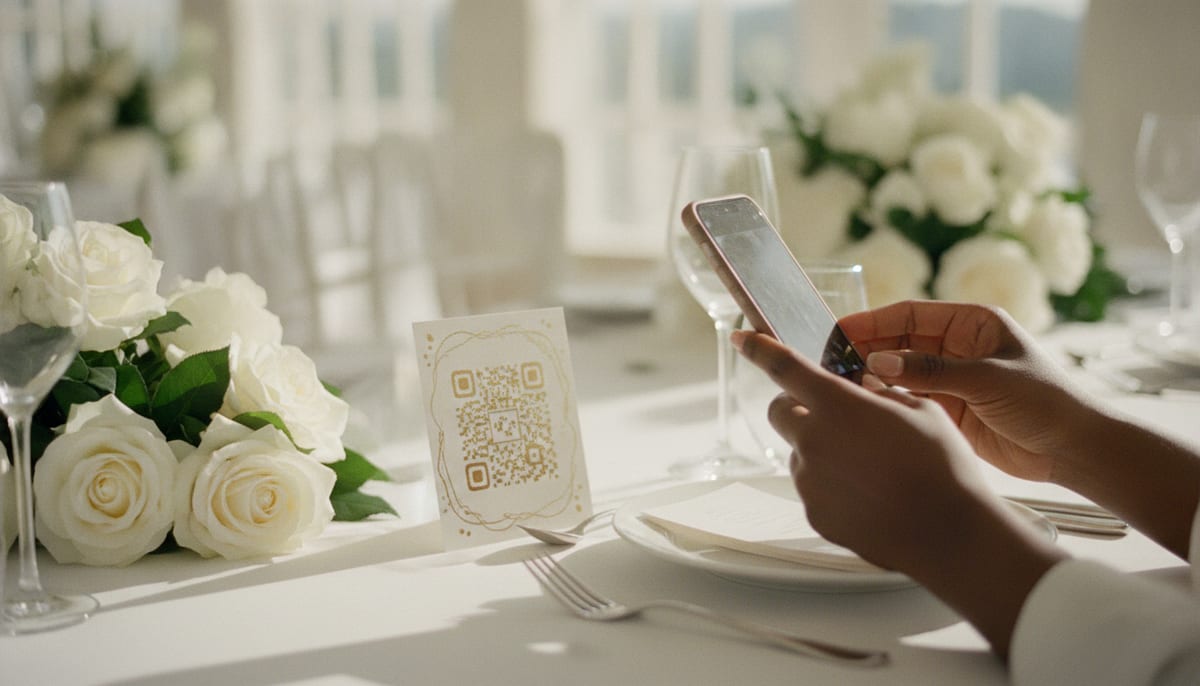
Why QR Code Photo Sharing Is Replacing Disposable Cameras
Remember disposable cameras on wedding tables? Half came back empty, a quarter had blurry shots of the ceiling, and the rest sat in a drawer for months before you paid to develop them. QR code photo sharing solves every one of those problems — guests scan, snap, and upload in seconds.
But not every QR photo app is built the same. Some charge per-photo, others lock basic features behind expensive tiers, and a few make guests download a dedicated app before they can contribute a single image.
We reviewed the most popular options so you can pick the right one for your event.
What to Look For
Before diving into specific apps, here are the features that actually matter:
- No guest app install — if guests need to download something, participation drops sharply
- QR code simplicity — scan and upload, nothing else
- Gallery control — you should be able to remove any photo, from the gallery and the screen, at any time
- Download options — bulk download as a zip, not one photo at a time
- Pricing transparency — per-event pricing beats hidden per-photo fees
How the Top Platforms Compare
| Feature | GuestQR | Wedibox | PixDrop | Guestpix |
|---|---|---|---|---|
| Guest app required | No | No | Yes | No |
| QR code check-in | Yes | No | No | No |
| Guest photo upload | Yes | Yes | Yes | Yes |
| Video, voice & written guestbook | Yes | No | No | Messages only |
| Table lookup at check-in | Yes | No | No | No |
| Live photo wall | Yes | No | No | No |
| Free tier | Yes | Limited | No | Yes (limited) |
| Premium price | $39/event | $29+/event | $19+/event | $15/event |
GuestQR
GuestQR is a full guest experience platform, not just a photo sharing tool. Guests scan a single QR code to check in, see their table, upload photos, and leave guestbook messages — all without installing anything.
Standout features:
- Combined check-in, photos, guestbook, and table lookup in one QR scan
- Table assignments with instant guest lookup at check-in
- Video, voice, and written guestbook messages
- Live photo wall for the venue screen
- Bulk photo download as zip
- Works for weddings, corporate events, baby showers, and galas
Pricing: Every plan, including Free, has check-in, table lookup, photo and video sharing, the guestbook, and the live wall. Free holds 25 photos and videos and 10 guestbook notes for 30 days. Plus is a one-time $15 per event for 250 photos and videos, unlimited notes, and 90 days. Premium is a one-time $39 per event (regularly $49) for 10 GB of room, unlimited notes, a full year of keeping, the keepsake album, and collaborators.
Wedibox
Wedibox focuses specifically on wedding photo collection. It provides a clean gallery interface and lets guests upload without an app. However, it lacks check-in features, guestbook functionality, and table lookup.
Best for: Couples who only need photo collection and nothing else.
PixDrop
PixDrop supports both photos and videos but requires guests to install a mobile app. This creates friction — especially for older guests or those who don't want another app on their phone.
Best for: Tech-savvy friend groups comfortable with app installs.
Guestpix
Guestpix offers photo sharing and a basic guestbook. The interface is straightforward, though it lacks check-in and table lookup.
Best for: Small casual events where you want photos and simple messages.
The Verdict
If you only need photo collection, any of these tools will work. But if you want one platform that handles the entire guest experience — from check-in to table lookup to photos to guestbook messages — GuestQR is the only option that combines everything into a single QR code scan at a fraction of the price.
Try GuestQR free for your next event
Set up photo sharing, check-in, table lookup, and a digital guestbook in under 5 minutes. Free to start — no card required.
Frequently Asked Questions
Do guests need to download an app to share photos?
With GuestQR, no. Guests scan a QR code and everything works in their mobile browser. No app store visit required.
Can I remove photos from the gallery?
Yes. As the organizer you have full control of the gallery and can remove any photo at any time — it leaves the gallery and the live wall at once.
What happens to the photos after the event?
You can download all photos as a zip file at any time. Free events keep uploads for 30 days after the event, Plus events for 90 days, and Premium events keep everything for a full year.