One QR Code, From "I Do" to Last Dance
A wedding has a lot of moving parts, and most of them happen in a four-hour window when you are very much not available to troubleshoot tech. The goal of a good setup is that the day runs itself. Here's a complete GuestQR playbook, in the order the day actually unfolds.
Before: Build the Backbone
Import your guest list
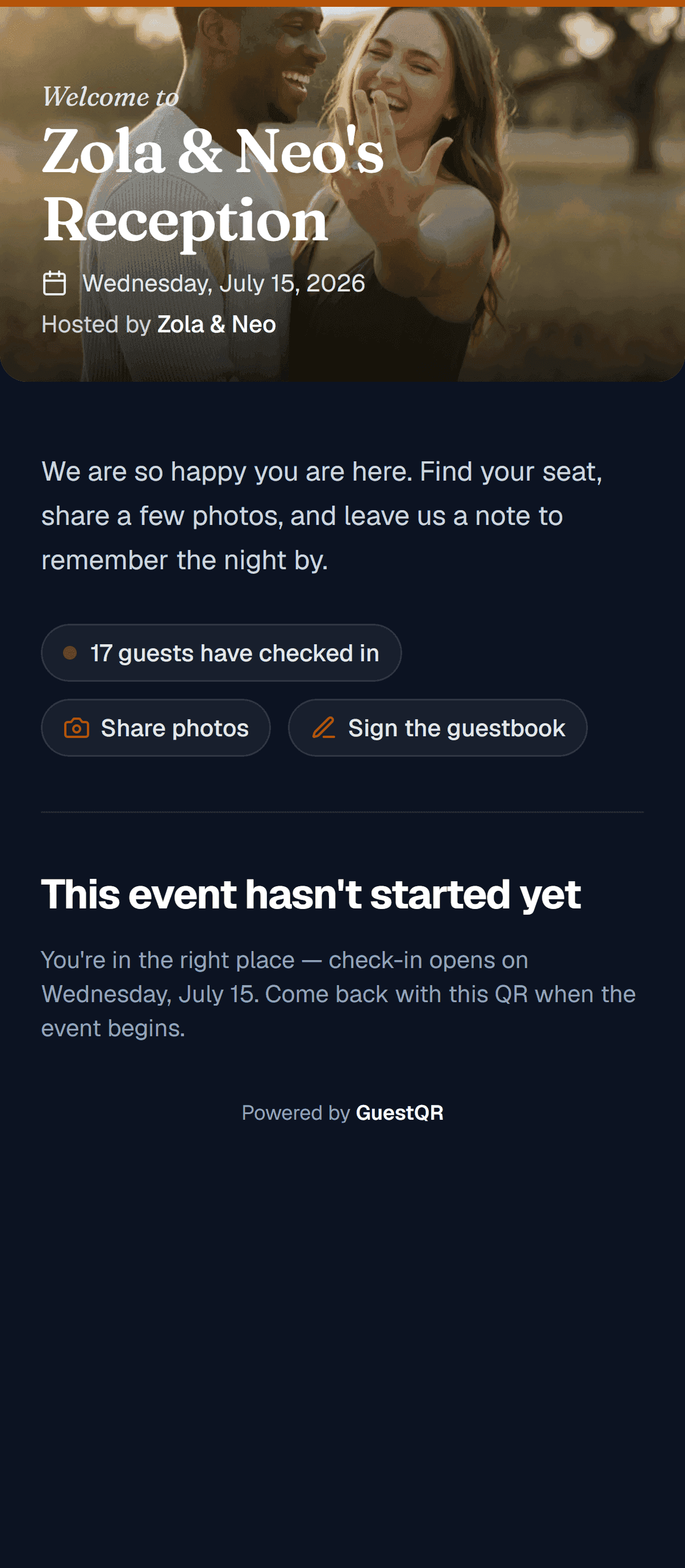
Start with the list. Drop in a Name/Table CSV and GuestQR builds your guest list with table assignments in one step; then set the door to Guest list in the Customize studio so guests find their name when they arrive. This single list will quietly power everything else — check-in, table lookup, and every guest-facing screen.
Theme the welcome screen for the evening
Set your accent color, add a cover photo, and — for an evening reception — switch on the dark welcome. The first thing guests see when they scan should feel like your wedding.
At the Door: Check-In Without a Line
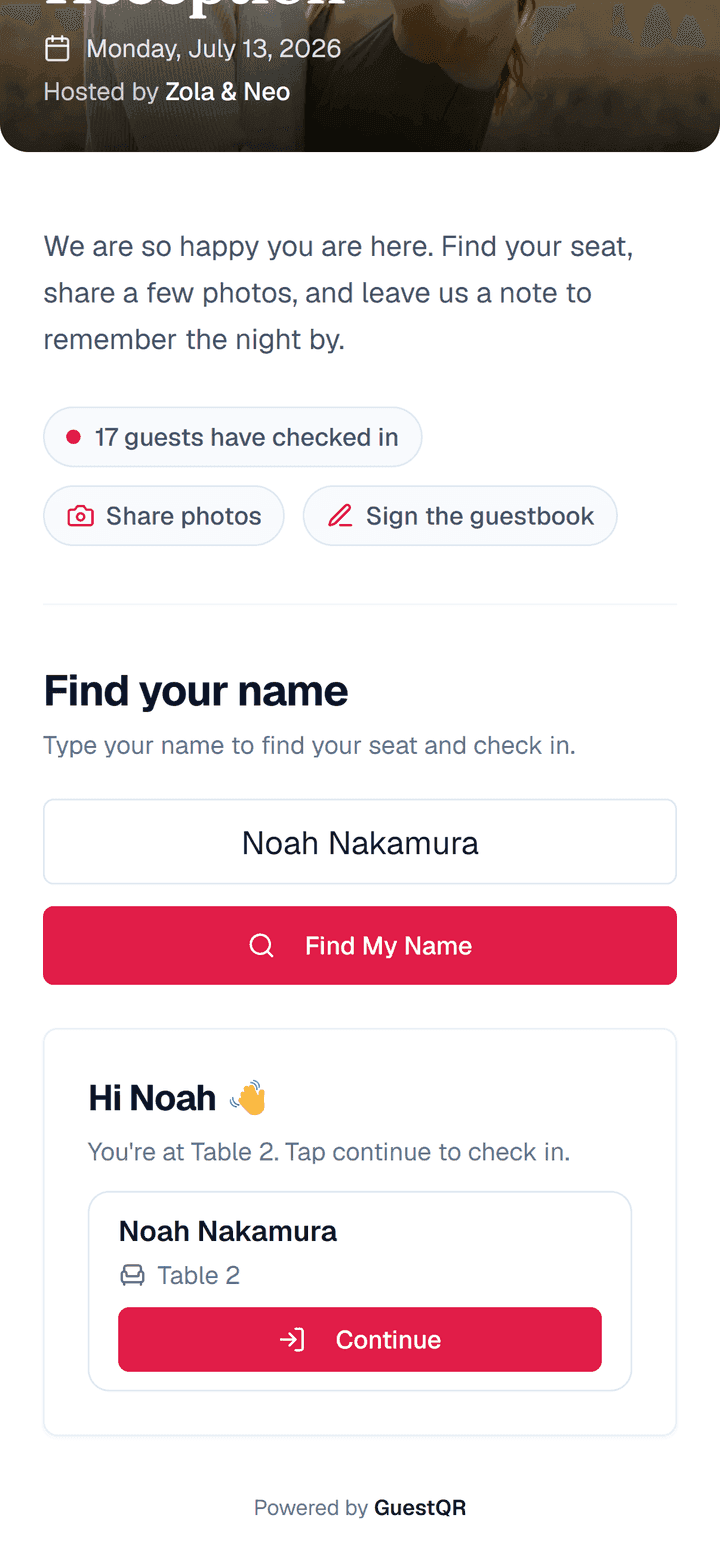
Put one QR code at the entrance. Guests scan, type their name, and instantly see their table — a private, five-second lookup that replaces the crowd around a printed board. They're checked in at the same moment, so you get a live arrival count without anyone holding a clipboard.
You can still hang a printed chart at the door for atmosphere — but nobody has to queue for it, because every guest already has their table on their phone.
At the Reception: Let Guests Build the Memories
Photos and the live wall
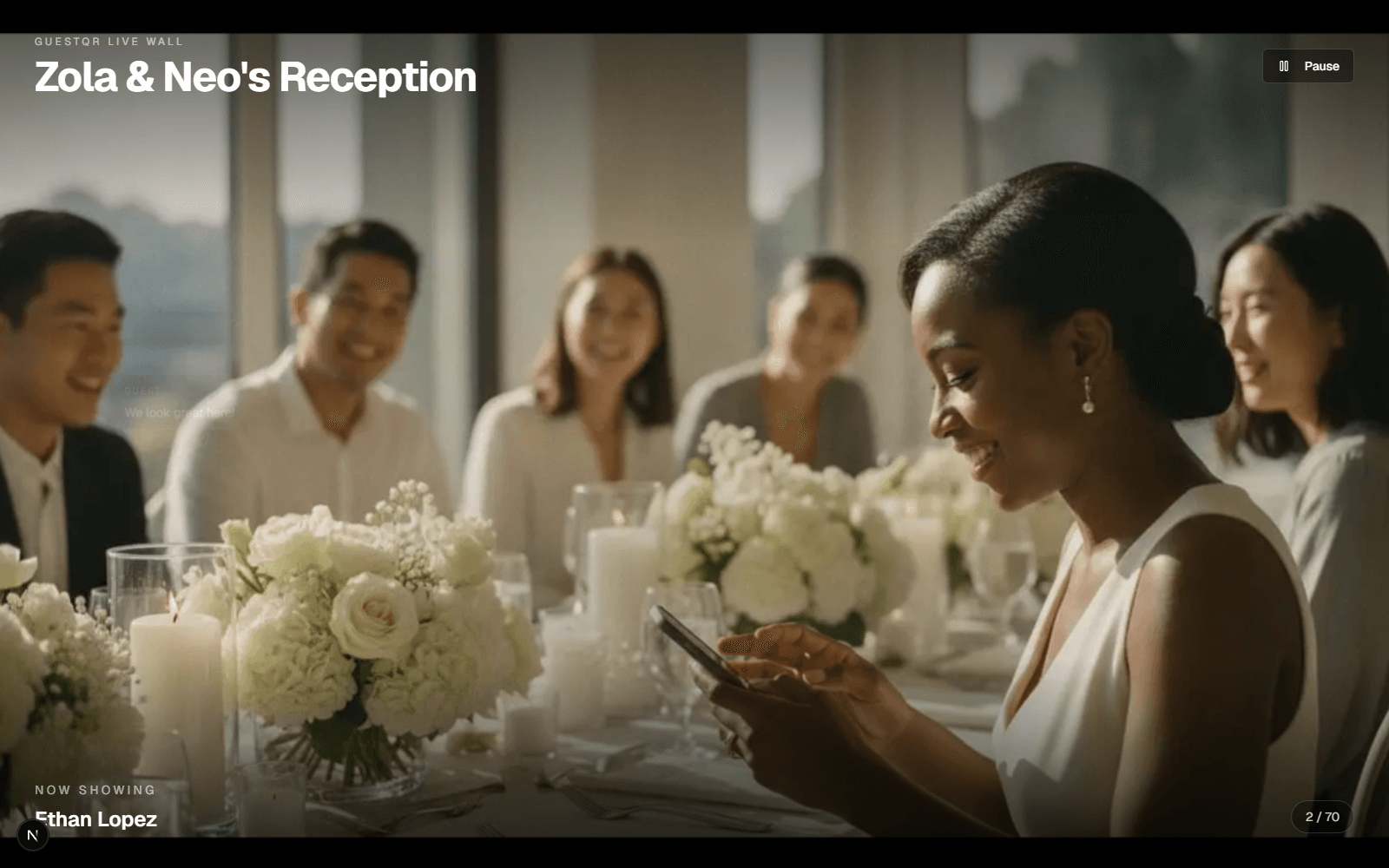
The same code carries photo sharing. As guests upload candids, the live wall projects them onto the venue screen in real time — which makes everyone want their shot up there too, so the gallery fills itself.
The guestbook
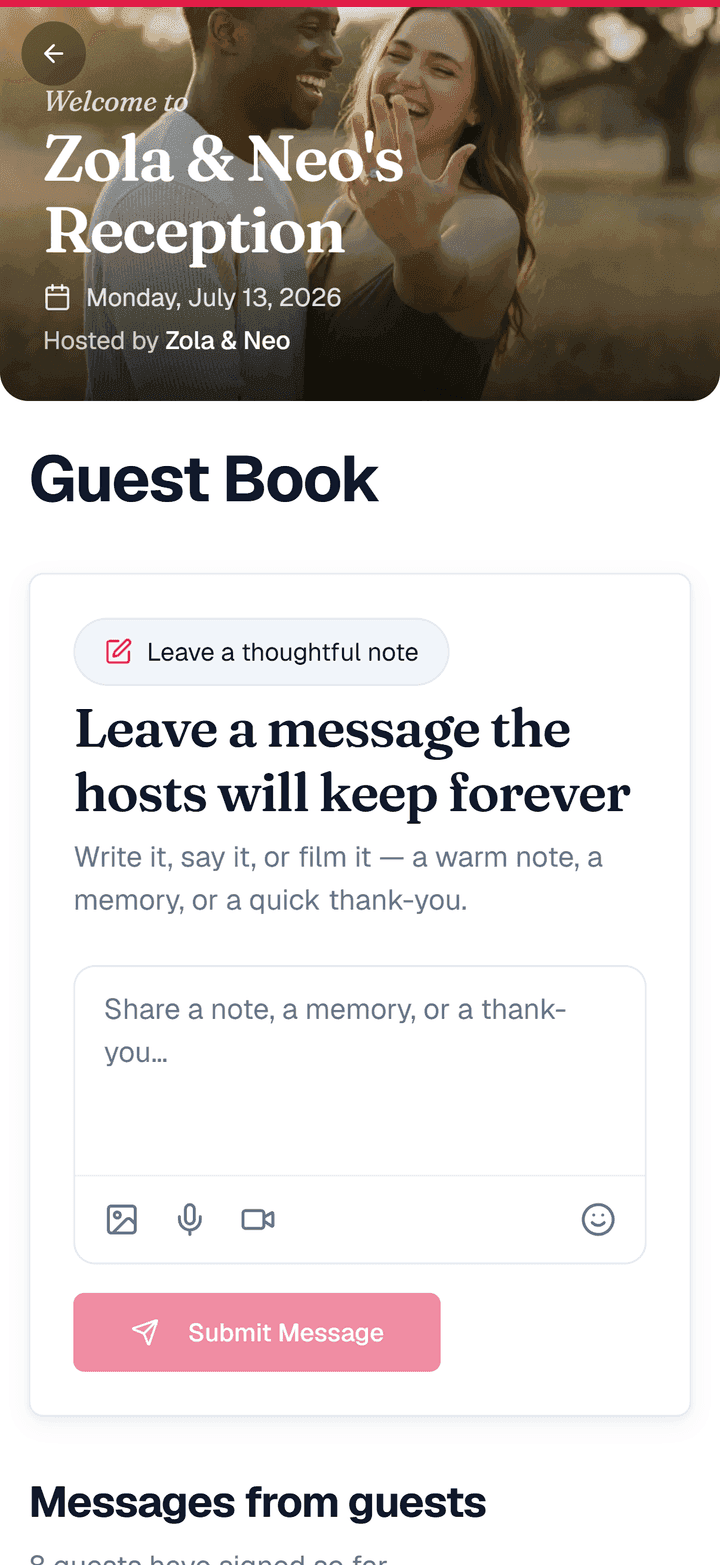
Reframe the guestbook as marriage advice or favorite memories. Dozens of guests can write at once, and because typing is easy, the notes come out longer and more heartfelt than a cramped paper line.
After: Keep Everything
When the night ends, nothing is lost. Download every photo in one go, keep the full guestbook of messages, and — because uploads stay open for 10 days after the event by default — the friend who forgot to post their gallery still can. Premium events keep your media for a full year.
The Day-Of Checklist
- Guest list imported with tables ✓
- Welcome screen themed (accent, cover, evening mode) ✓
- One QR code at the entrance and on the tables ✓
- Live wall open on the venue screen ✓
- Photos downloaded and guestbook saved afterward ✓
Do that, and the day runs on rails — leaving you free to actually be at your own wedding.
Run your whole wedding from one QR code
Check-in, instant table lookup, photos, a live wall, and a guestbook — themed to your day. Free to start; Premium at $39 adds room for thousands of photos, a year of keeping, and the keepsake album.
Frequently Asked Questions
Can I use this alongside my wedding website?
Yes. Keep your website for RSVPs and registry; GuestQR runs the day itself — check-in, table lookup, photos, and the guestbook.
Do guests need an app at the reception?
No. Everything — finding their table, uploading photos, signing the guestbook — runs from one scan in the browser.
What if I reseat someone the day before?
Edit their table and the lookup updates instantly. Only a printed poster would need reprinting.