Check-In Was Built for Conferences, Not Weddings
Most "event check-in" software comes from the conference world. Eventbrite, Cvent, and badge-printing systems assume ticketing, lanyards, a registration desk, and often a staff member with a handheld scanner.
That's a lot of machinery for a wedding, a milestone birthday, a baby shower, or a memorial — events where you don't sell tickets, you just want to know who's arrived and make them feel welcome.
For those events, the right tool is the opposite of enterprise: no hardware, no guest app, no desk.
The Three Approaches
1. Ticketing platforms (Eventbrite, etc.) — Guests get a ticket with a QR code; staff scan it at the door, sometimes with a dedicated scanner app. Great for paid public events. Heavy for a private celebration where there are no tickets.
2. Badge / scanner systems (Cvent and similar) — Built for trade shows: printed badges, lead retrieval, hardware. Powerful and expensive. Wildly over-spec for a 120-person reception.
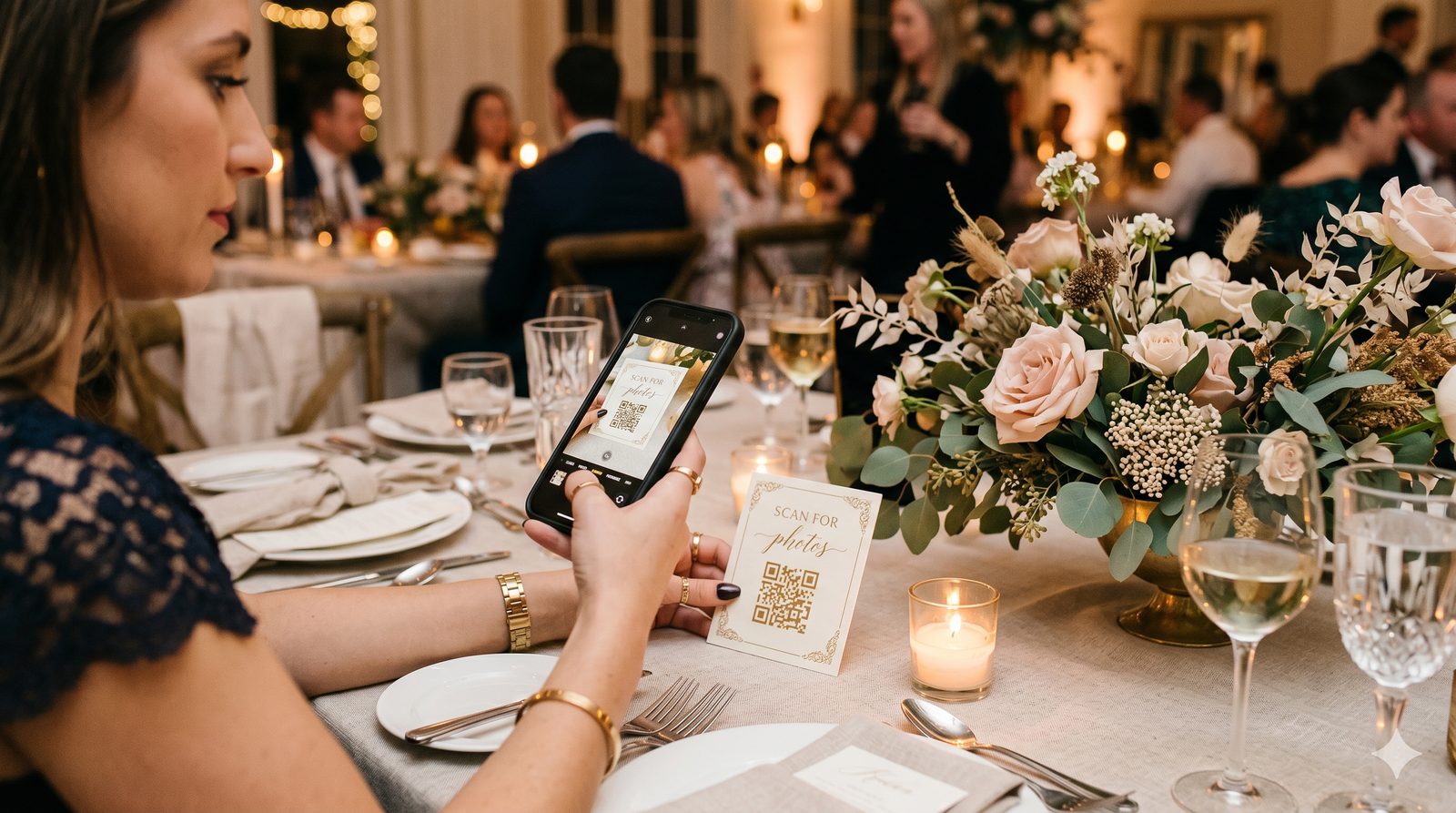
3. Self check-in by QR (GuestQR) — One QR code at the entrance. Guests scan with their own phone, find their name, and tap to check in. No staff, no scanner, no clipboard. You watch the headcount climb in real time.
Compared
| Factor | Ticketing apps | Badge systems | GuestQR |
|---|---|---|---|
| Designed for | Paid events | Conferences | Private events |
| Hardware needed | Phone/scanner | Scanners & printers | None |
| Staff at the door | Usually | Yes | Optional |
| Guest app required | Sometimes | Often | No |
| Self check-in | No | No | Yes |
| Live arrival count | Yes | Yes | Yes |
| Adds table lookup & photos | No | No | Yes |
| Typical cost | Fees per ticket | $$$$ | Free / $15 / $39 |
What Self Check-In Looks Like
There's no desk and no line. The same QR code that runs the rest of the event is the check-in point. A guest scans it, types their name, and confirms.
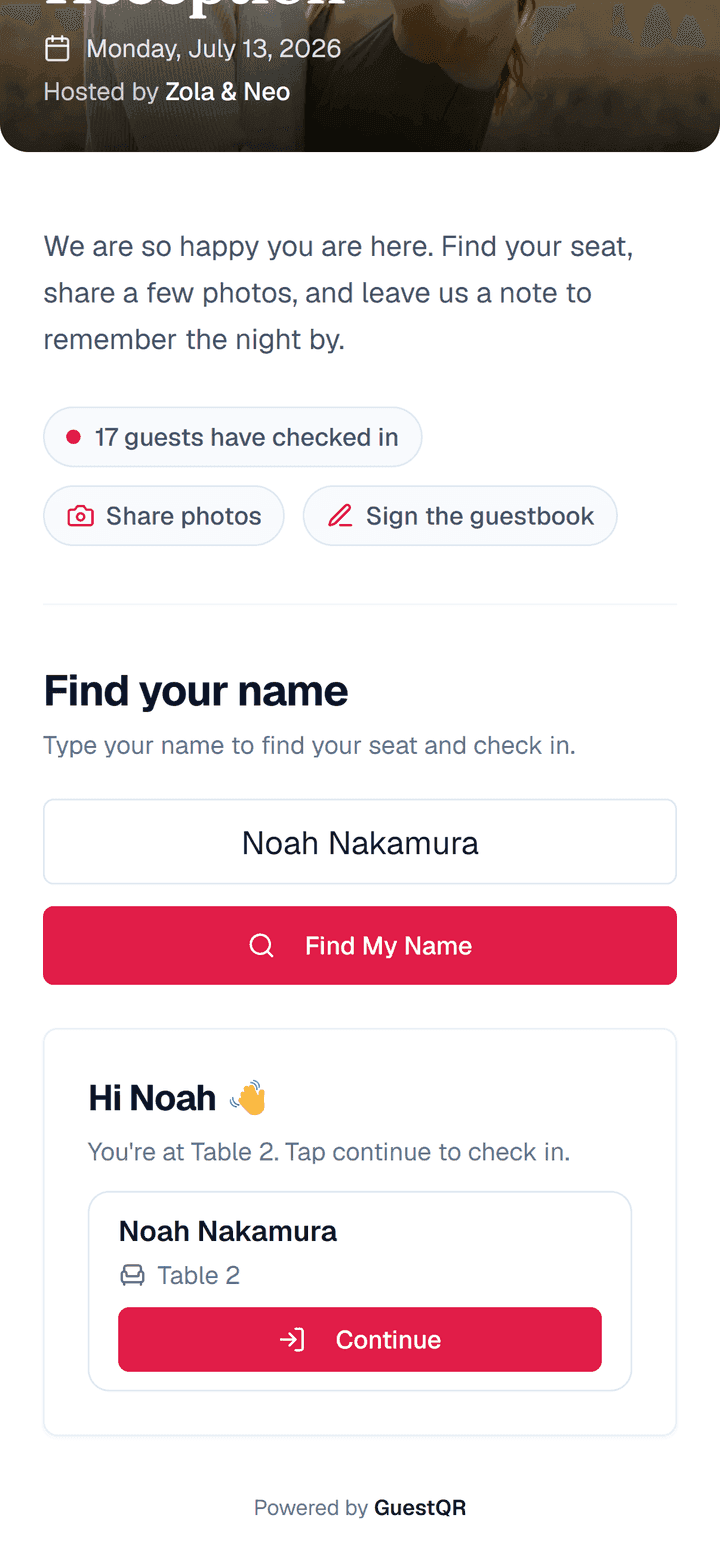
For walk-in events with no pre-set list — an open house, a casual party, a wake — you can switch the door to Register at the door, where guests check themselves in by simply entering their name. Or choose Just share and skip check-in entirely: guests scan and go straight to the photos.
You Get More Than a Headcount
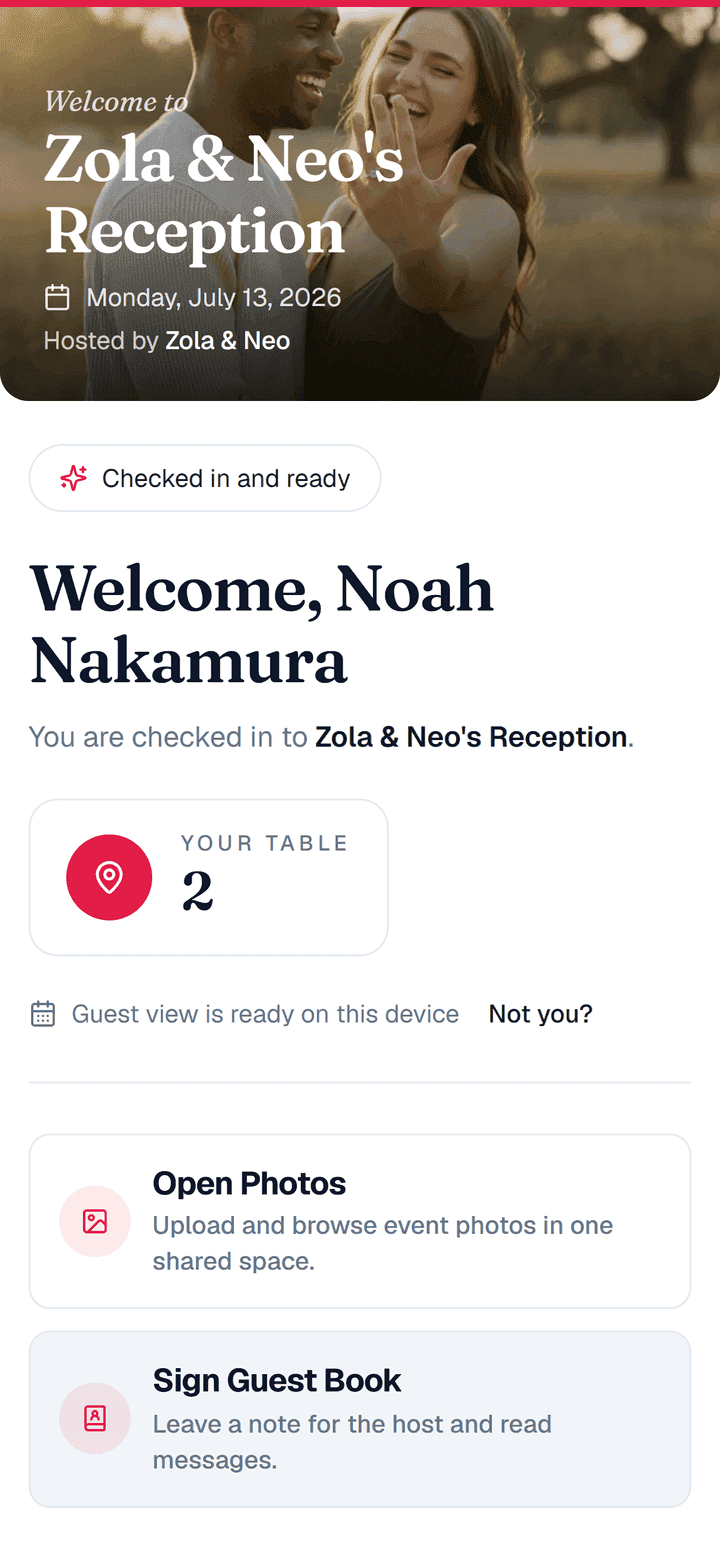
The reason a ticketing app feels like overkill is that check-in is all it does. With GuestQR, check-in is the front door to everything else: the moment a guest checks in, they're already holding their table number, the photo gallery, and the guestbook.
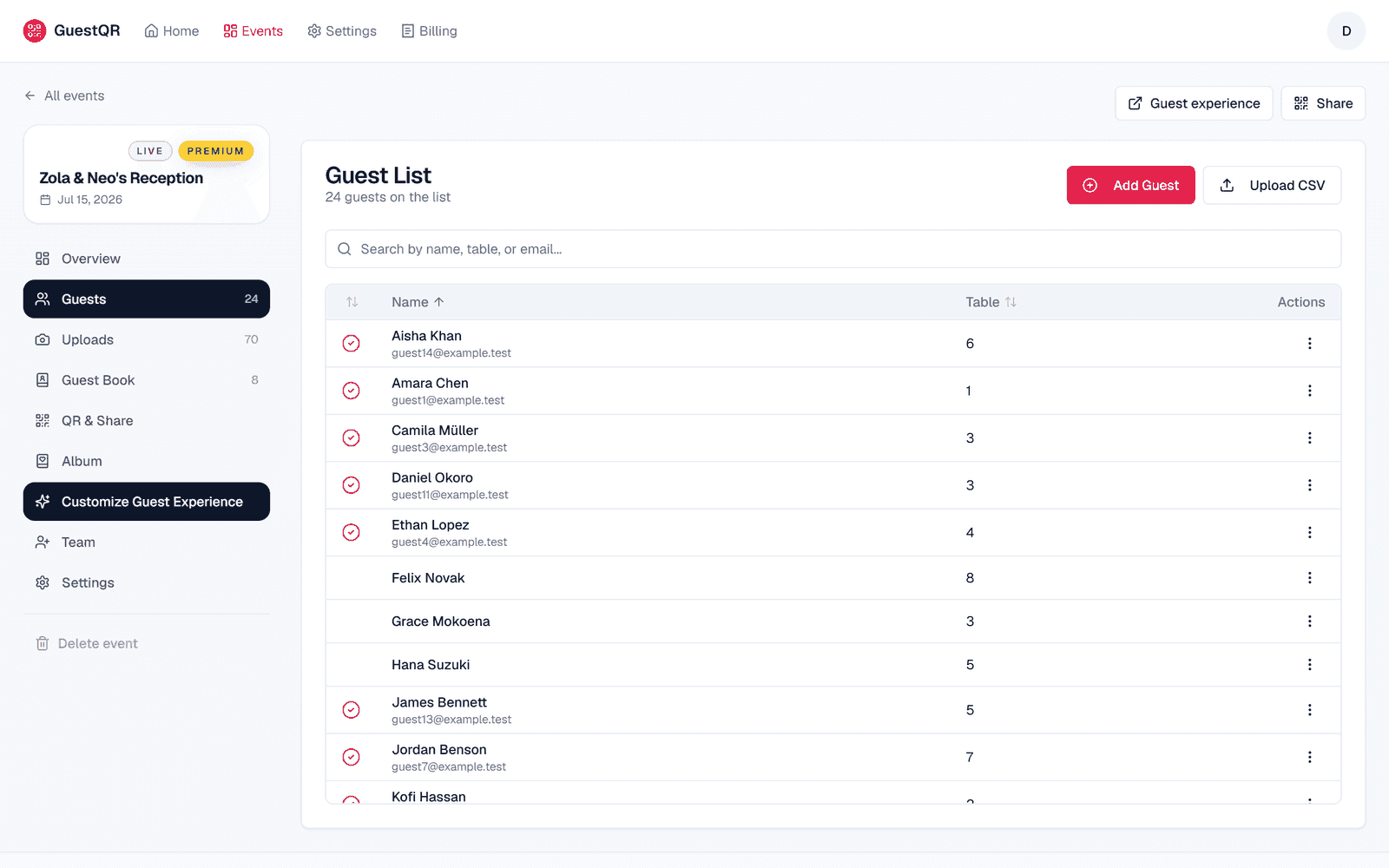
And on the organizer side, you watch arrivals tick up live, with a checkmark next to everyone who's in.
The Verdict
If you're selling tickets to a public event, use a ticketing platform. If you're running a trade show, the badge systems exist for a reason. But for a wedding or any private celebration, you don't need hardware or a registration desk — you need one QR code that lets guests check themselves in and walk straight into the rest of the event.
Check-in without the clipboard or the scanner
One QR code lets guests check themselves in, find their table, and start sharing photos. No app, no hardware. Free to start with unlimited guests.
Frequently Asked Questions
Do I need a scanner or any hardware?
No. Guests scan the QR code with their own phones. There's nothing for you to buy, rent, or set up at the door.
Can guests check in without a pre-made list?
Yes. For walk-in events, set the door to Register at the door and guests check themselves in by entering their name.
Can I still have someone at the door?
Of course — but they won't need a clipboard. They can watch the live arrival count from any phone or laptop, or help guests who'd like a hand.