The "We'll Just Use a Group Chat" Plan
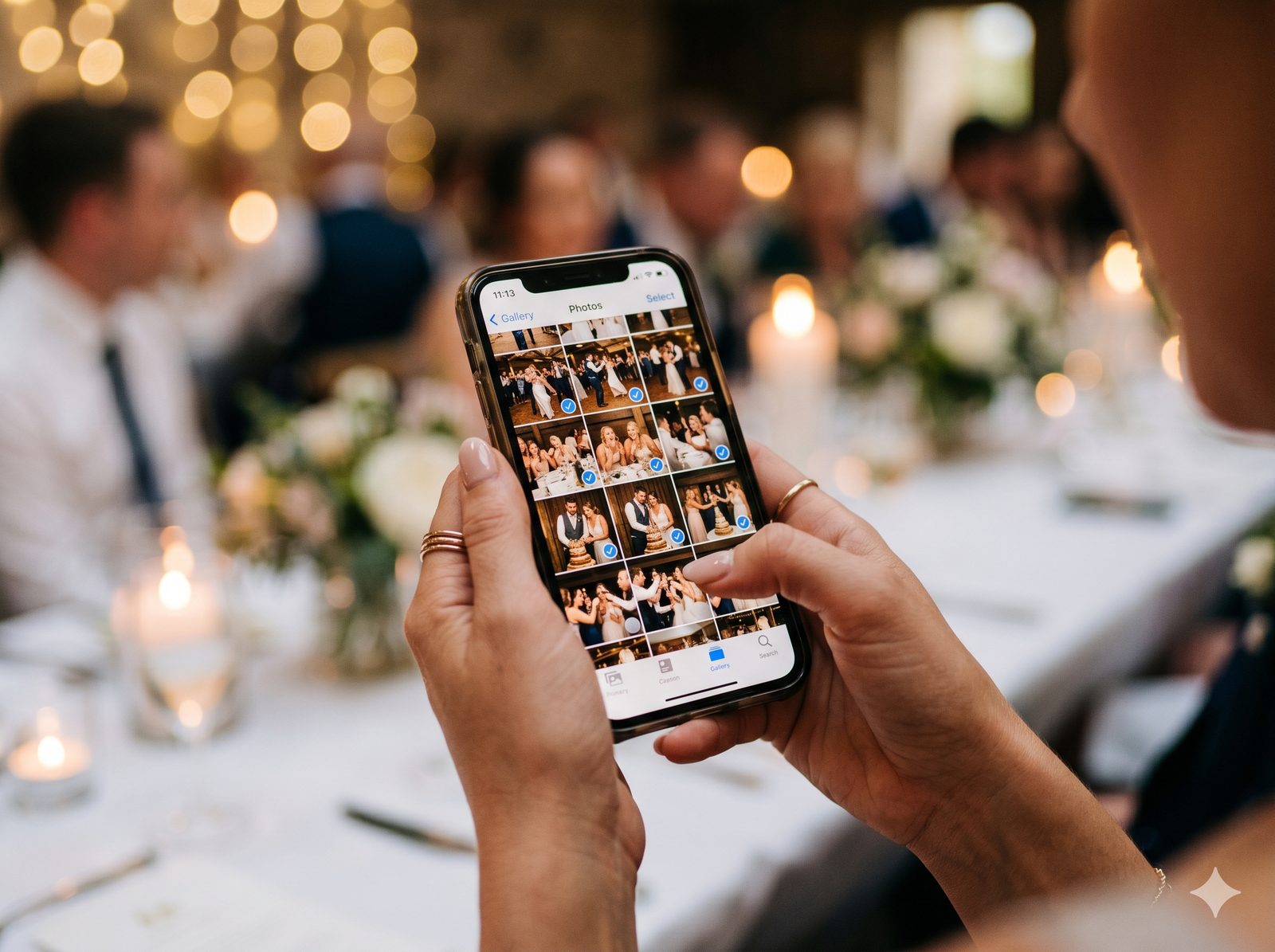
Every couple considers it: skip the photo app, make a shared Google Photos album or a WhatsApp group, drop the link on the tables, done. It's free and everyone already has the apps.
It can work — for a small, tech-comfortable crowd. But at a real event with a mixed-age guest list, the DIY approach quietly leaks photos, compresses your memories, and turns you into tech support on your wedding night. Here's where each option cracks.
Google Photos (Shared Album)
The good: Free, generous storage, real albums.
The catch: To add to a shared album, guests typically need a Google account and have to accept an invite — friction that quietly cuts your contributor count. There's no event branding, no check-in, no guestbook, and no live wall. It's a folder, not an experience. And a stray tap can delete other people's photos.
WhatsApp / Group Chat
The good: Everyone has it, zero setup.
The catch: WhatsApp compresses images and video hard — you're collecting thumbnails of the most important day of your life. Photos are buried in a stream of "great party!!" messages, there's no gallery, no download-all, and anyone not in the group is left out. Group size limits bite at large weddings.
Dropbox / Google Drive (Upload Link)
The good: Full-resolution files, a real folder.
The catch: A bare upload link feels clinical to guests, gives zero feedback ("did it work?"), has no event identity, and offers no way to browse what others shared. Participation drops because it feels like homework.
Side-by-Side
| Factor | Google Photos | Dropbox link | GuestQR | |
|---|---|---|---|---|
| Account / app to contribute | Google account | Sometimes | None | |
| Full-resolution media | Yes | Compressed | Yes | Photos kept sharp, up to 4096 px |
| Branded event experience | No | No | No | Yes |
| Browse everyone's photos | Yes | No | No | Yes |
| Guestbook alongside the photos | No | No | No | Yes |
| Live wall on a screen | No | No | No | Yes |
| Tied to check-in & table lookup | No | No | No | Yes |
| Download all at once | Yes | No | Yes | Yes |
What "Purpose-Built" Actually Buys You
The difference isn't storage — it's participation and polish. A guest scans one code (no account), taps upload, and sees their photo land in a gallery alongside everyone else's. That feedback loop is why event galleries collect far more photos than a silent upload link.
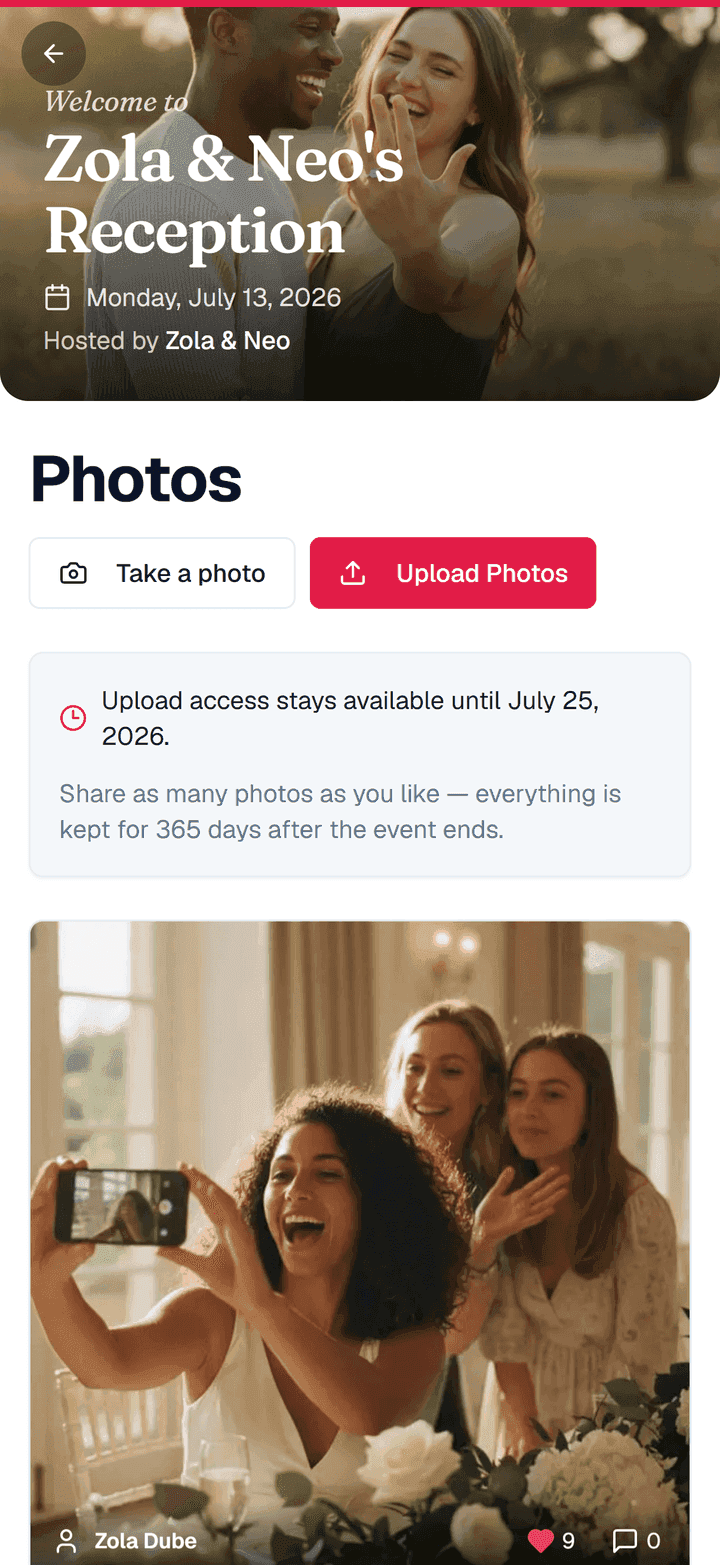
Because it's the same QR code guests scan at the door, there's nothing new to explain. And because the event gallery is yours, you can delete anything blurry or inappropriate at any time — it leaves the gallery and the live wall at once.
The Feature DIY Can't Touch: The Live Wall
No group chat can put your photos on the venue screen as they arrive. GuestQR's live wall turns guest uploads into a real-time slideshow with reactions floating across it — the kind of thing that pulls people onto the dance floor to be in the next shot.

When DIY Is Fine — and When It Isn't
Use a group chat for a casual dinner with ten close friends. But for a wedding, a milestone party, or any event where you actually want to keep the photos — sharp, from every guest, in one place, with nothing for them to install — a purpose-built gallery wins on the only metric that matters: how many memories you actually end up with.
Collect every photo, not just the ones in the group chat
One QR code, no guest app, sharp uploads you can remove anytime, and a live wall. Free to start with unlimited guests.
Frequently Asked Questions
Do guests need an account to upload?
No. They scan the QR code and upload straight from the browser — no Google account, no app, no group invite.
Are the photos full resolution?
They're kept sharp. Unlike WhatsApp, GuestQR doesn't squeeze photos down: originals up to 4096 px on the long edge are kept as they are, and larger ones are scaled to 4096 px. You can download everything at once after the event.
Can I remove photos I don't want shown?
Yes. Uploads go straight into the gallery — there's no approval step to manage on the night — and you can delete any photo at any time. It leaves the gallery and the live wall at once.