The Hidden Cost of "Just One More Tool"
Plan an event today and you accumulate apps without noticing. A wedding website for RSVPs. A separate link for photos. Maybe a check-in app. A table-finder tool. A guestbook gadget. And afterwards, a service to turn the night's photos into a printed album. Each one is fine on its own — and together they're a mess.
The cost isn't just money. It's five logins, five exports, five places for your guest list to drift out of sync, and a guest who's handed three different QR codes at dinner. GuestQR's core idea is simple: one platform, one guest list, one QR code for the whole thing.
The Stack vs. One App
| Job | The usual stack | GuestQR |
|---|---|---|
| RSVPs & registry | Wedding website | Use your website |
| Day-of check-in | Check-in app | Built in |
| Seat / table finder | Seating tool | Built in |
| Photo sharing | Upload-link app | Built in |
| Live photo wall | Rarely available | Built in |
| Video, voice & written guestbook | Guestbook app | Built in |
| Printed keepsake album | Photo-book service | Built in (Premium) |
| Guest logins | One QR per tool | One QR, no app |
| Where the guest list lives | Everywhere & nowhere | One list |
Strength 1: One QR Code Does Everything
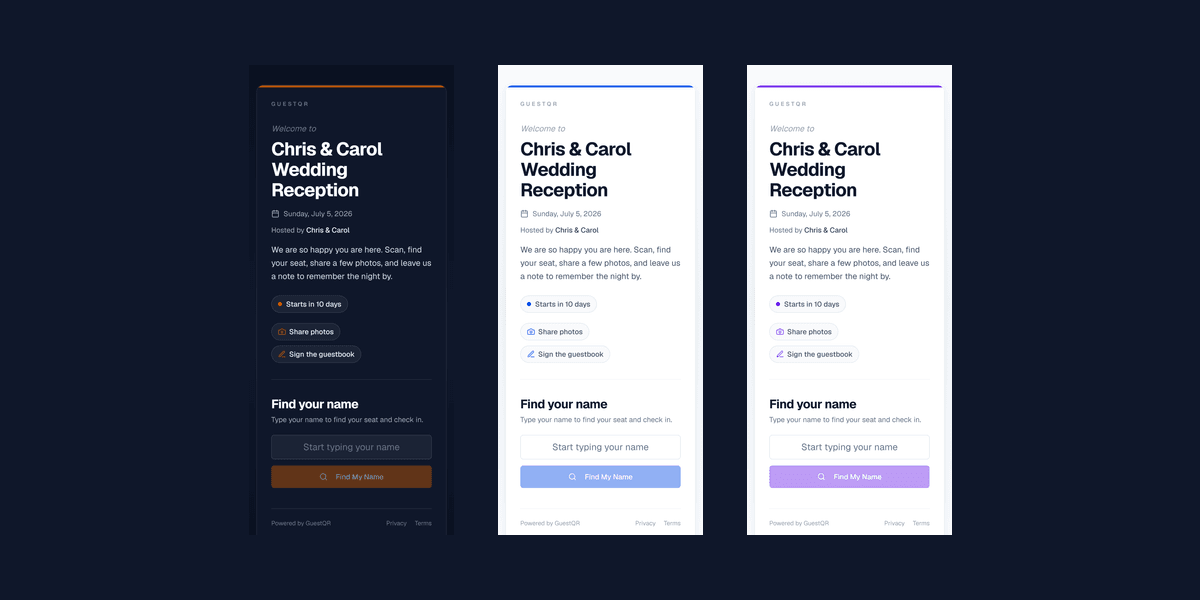
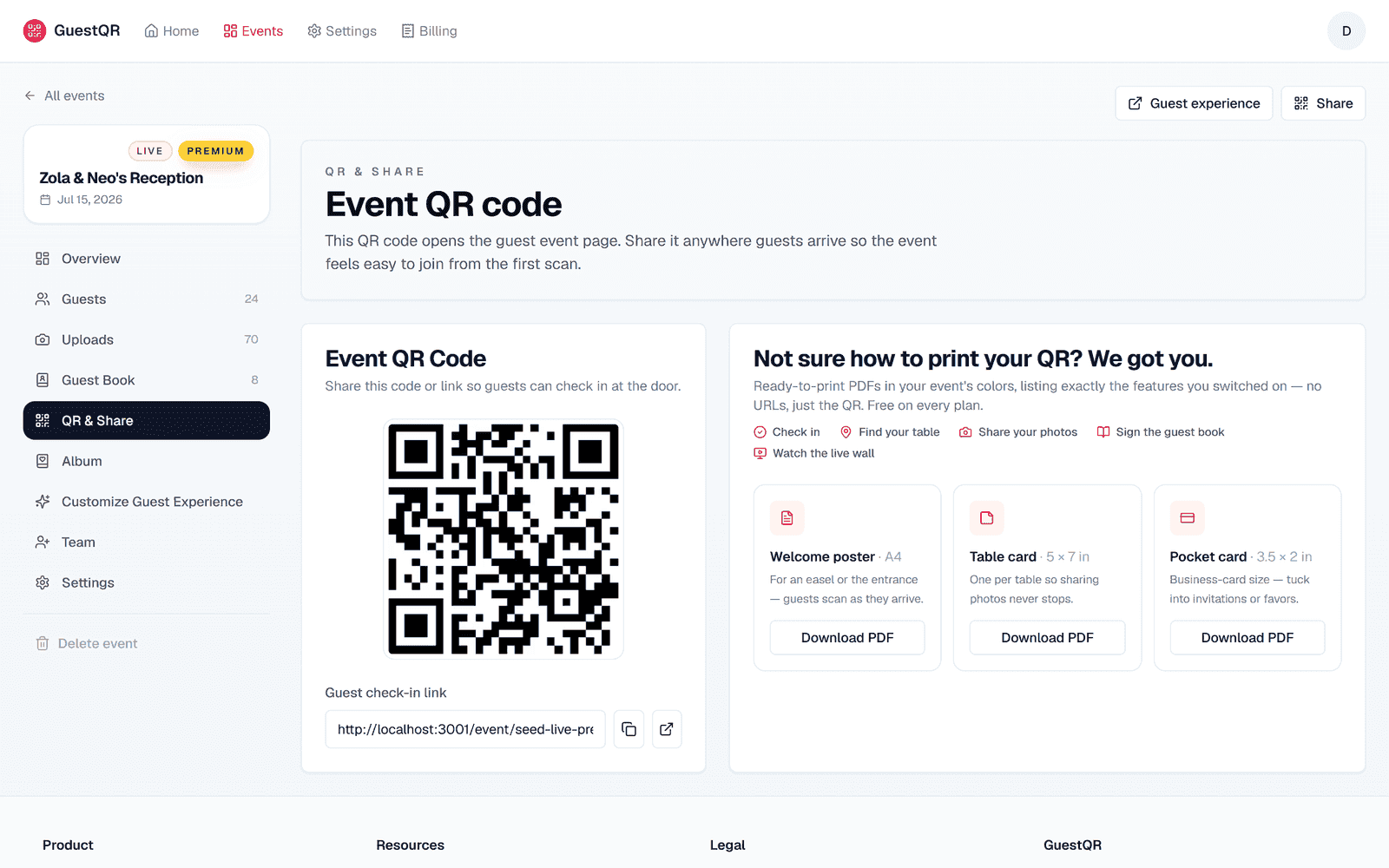
In a typical stack, every tool wants its own QR code or link. Guests get fatigued and stop scanning. GuestQR puts check-in, table lookup, photos, and the guestbook behind a single code. Print it once and it carries the entire evening.
Strength 2: One Guest List Feeds Everything
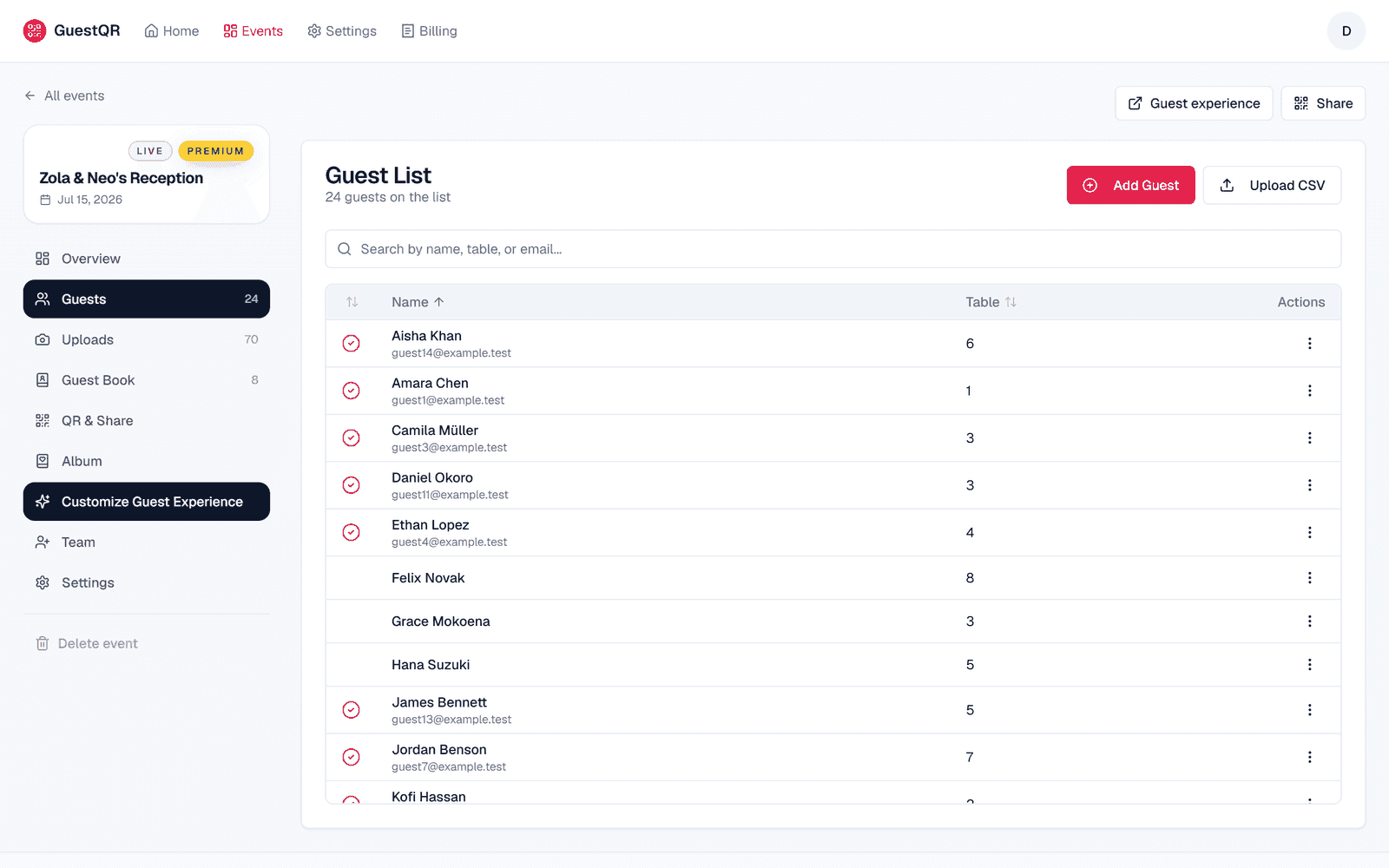
This is the quiet superpower. The same guest list powers table lookup, the check-in count, and every guest-facing screen. Reassign a table once and every surface updates. In a stack, that same change means editing a spreadsheet, a seating tool, and re-syncing a separate check-in app.
Strength 3: No App for Guests, Ever
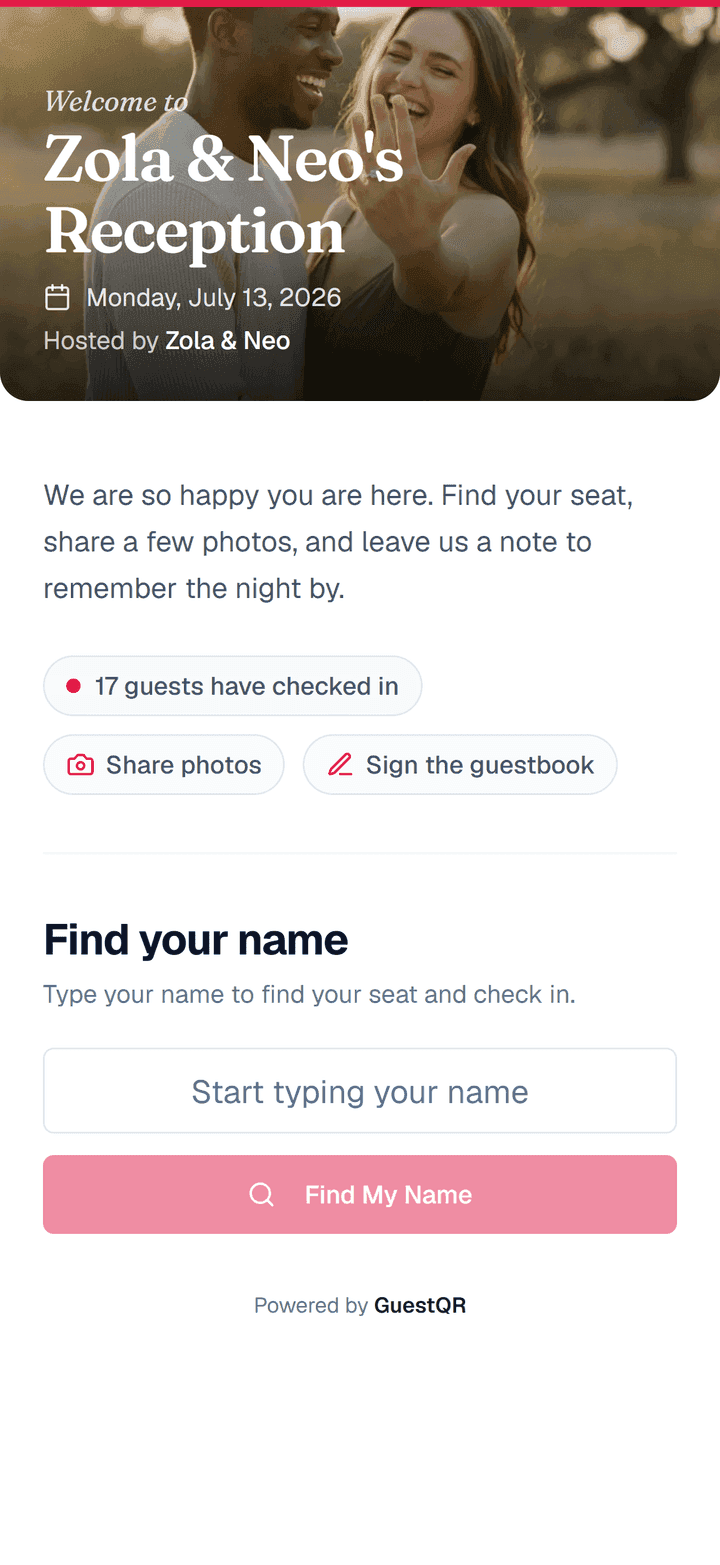
Every point tool you add is another thing your guests might have to install or sign into. GuestQR asks for none of it — guests scan and everything runs in the browser. The hardest thing a guest does is type their own name.
Strength 4: Features the Stack Can't Match
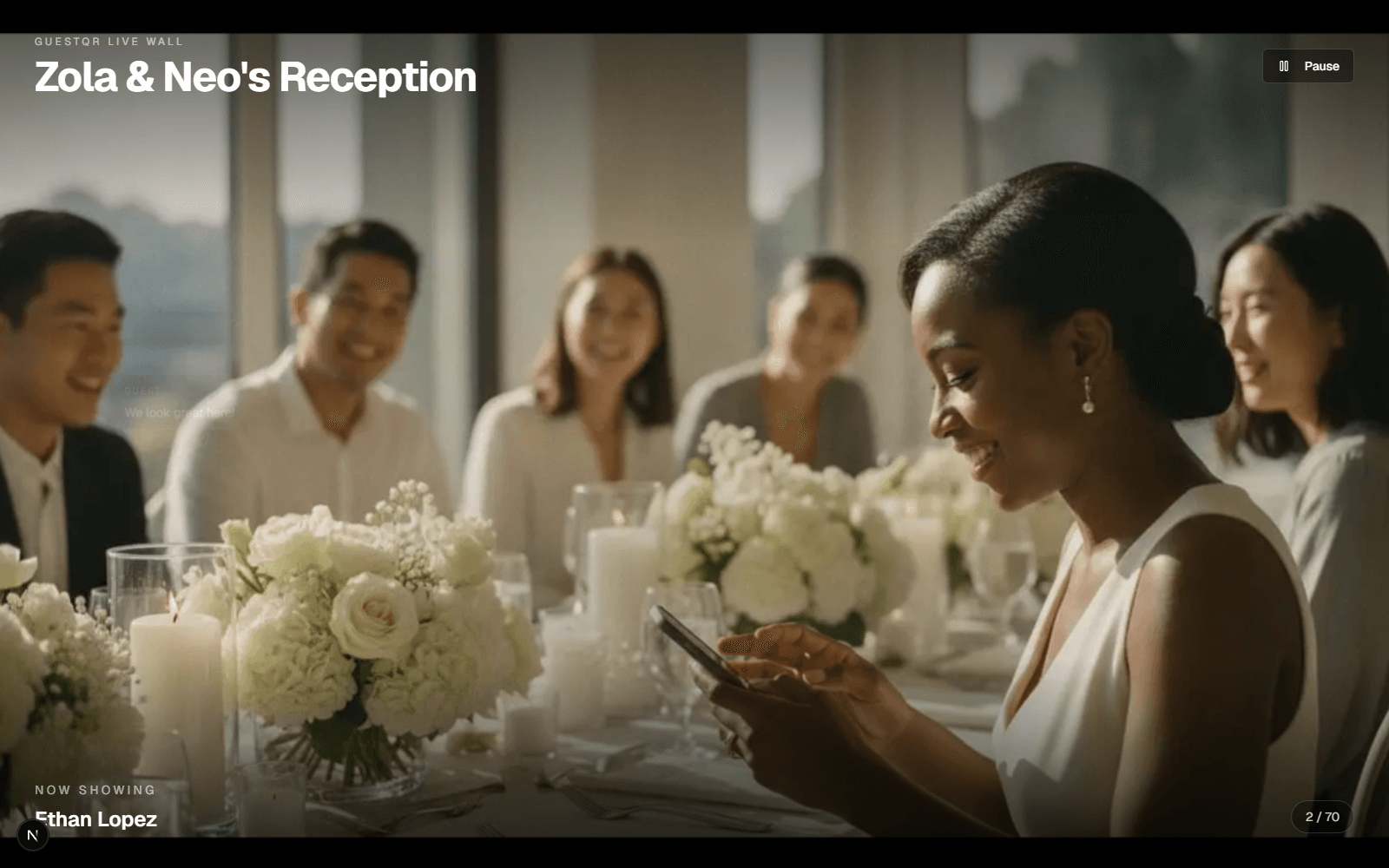
Bundling isn't just convenient — it unlocks things a pile of separate tools can't do. The live wall turns guest uploads into a real-time slideshow on the venue screen, precisely because the photos and the display are the same system.
Strength 5: It Scales by Plan, Not by Complexity
A bigger event in the stack means more tools and more juggling. In GuestQR, scaling up is a plan, not a project: check-in, table lookup, photo and video sharing, the video, voice, and written guestbook, and the live wall are free with unlimited guests — a plan only buys room and time. Free holds 25 photos and videos and 10 notes; Plus is a one-time $15 per event for 250 photos and videos, unlimited notes, and 90 days; Premium is a one-time $39 per event (regularly $49) for 10 GB, a full year of keeping, the keepsake album, and collaborators. Planners running events back-to-back can go further with agency plans — $149/mo for 10 Premium events a month or $249/mo for 20. The workflow never changes — only the ceiling does.
When the Stack Still Makes Sense
If all you need is RSVPs and a registry months ahead, keep your wedding website — GuestQR is happy to sit alongside it for the day itself. And if you genuinely only ever need one of these jobs, a single point tool is fine. But the moment you need two or more — check-in and photos, table lookup and a guestbook — one platform beats assembling a stack.
Replace the stack with one QR code
Check-in, table lookup, photos, live wall, and guestbook — one platform, one guest list, one scan. Start free with unlimited guests.
Frequently Asked Questions
Do I have to drop my wedding website?
No. Keep it for RSVPs and registry. GuestQR handles the in-person day — check-in, table lookup, photos, and the guestbook — alongside it.
Is an all-in-one app worse at each individual job?
That's the usual trade-off, but GuestQR is built so each piece stands on its own — and they get better together, like the live wall that only works because uploads and display share one system.
What does it cost compared to a stack?
Most stacks add up across several paid tools. GuestQR's check-in, table lookup, photos, guestbook, and live wall are free with unlimited guests. When you need more room, a single one-time upgrade per event — $15 for Plus or $39 for Premium, with a year of keeping and the keepsake album — is usually less than any two tools in the stack combined.