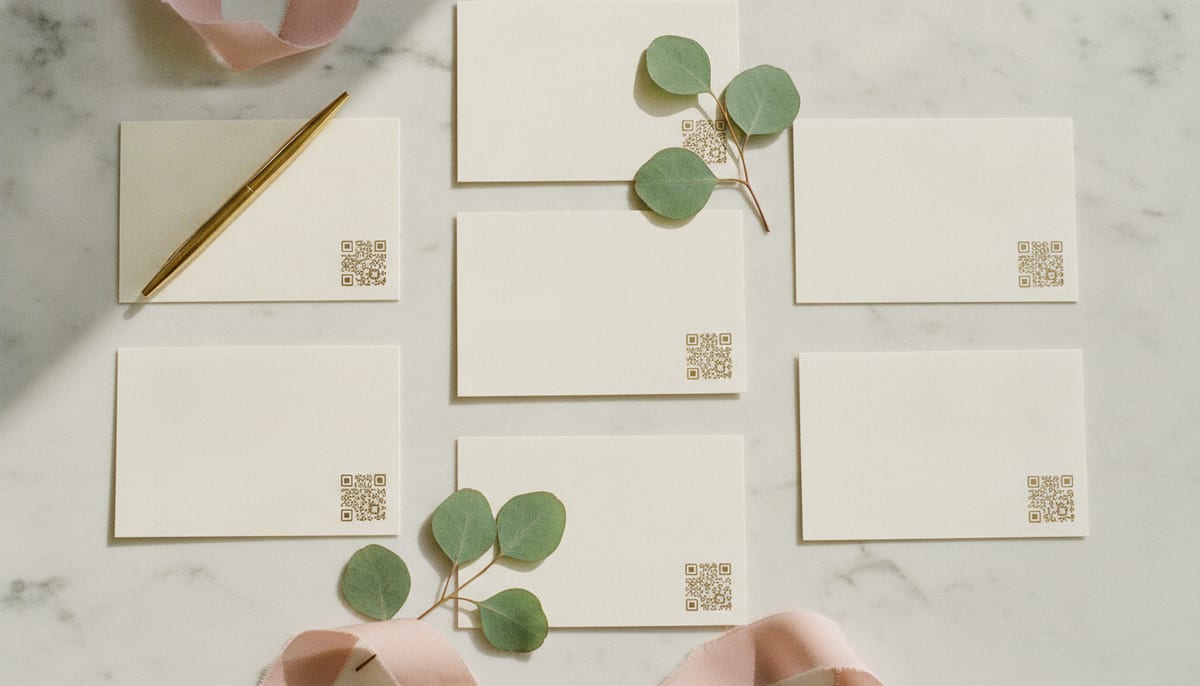
A QR code is only as good as the number of people who scan it. You can have the smoothest check-in and the best photo sharing in the world, but if guests walk past the code, none of it happens. The good news: getting people to scan is mostly about a few simple design choices.
Tell them why, not just what
The single biggest mistake is a bare QR code with no context. People won't scan a mystery. Give them a reason in plain language:
- ✅ "Scan to check in and share your photos"
- ✅ "Find your table — scan here"
- ❌ A lone QR code with no words
State the benefit to them, and the scan rate jumps.
Make it big enough and clean enough
- Size: on a table card, aim for a code at least 1.5 inches (about 4 cm) across. On a poster or welcome sign, much bigger — people scan from a few feet away.
- Contrast: dark code on a light background scans best. Avoid placing it over a busy photo.
- Quiet zone: leave a margin of empty space around the code so cameras can lock onto it.
- Test the print. Scan the actual printed card, not just the screen version.
Put it where guests already are
Placement beats everything. A code guests have to seek out is a code most won't.
- At the entrance, on a welcome sign, for check-in.
- On every table, for photos and the guest book.
- Near the gift table, the photo backdrop, and the bar — the places people pause.
- On the program or menu, if you have one.
More touchpoints means more chances to scan. One card by the door is not enough.
Match it to your event
A QR card doesn't have to look like a parking receipt. When your cards, table numbers, and signs share your colors and your event's name, the code feels like part of the celebration rather than an afterthought — and guests treat it that way.
The one-line test
Before you print anything, show a card to someone and ask, "Would you scan this, and do you know why?" If they hesitate on either, fix the wording or the placement. Get those right and the technology takes care of itself.
Generate a QR code for your whole event
One code for check-in, photos, table lookup, and the guest book. Create your event and download print-ready QR cards in minutes.