
A Shower Doesn't Need a Production
Baby showers are wonderfully low-key: a room full of people who love the parents-to-be, a lot of candid phone photos, and a stack of advice and good wishes worth keeping. You don't need ticketing or assigned seating — you need an easy way to gather the photos and the words. That's a perfect fit for GuestQR.
Here's a simple setup that takes about five minutes.
Step 1: Create an Open, Casual Event
When you create the event, choose Register at the door instead of a guest list (or Just share, if you'd rather skip check-in altogether). Guests check themselves in by tapping a button and entering their name — no guest list to prepare, no tables to assign. Set a soft accent color (violet and pink suit a shower nicely) and write a warm welcome message.
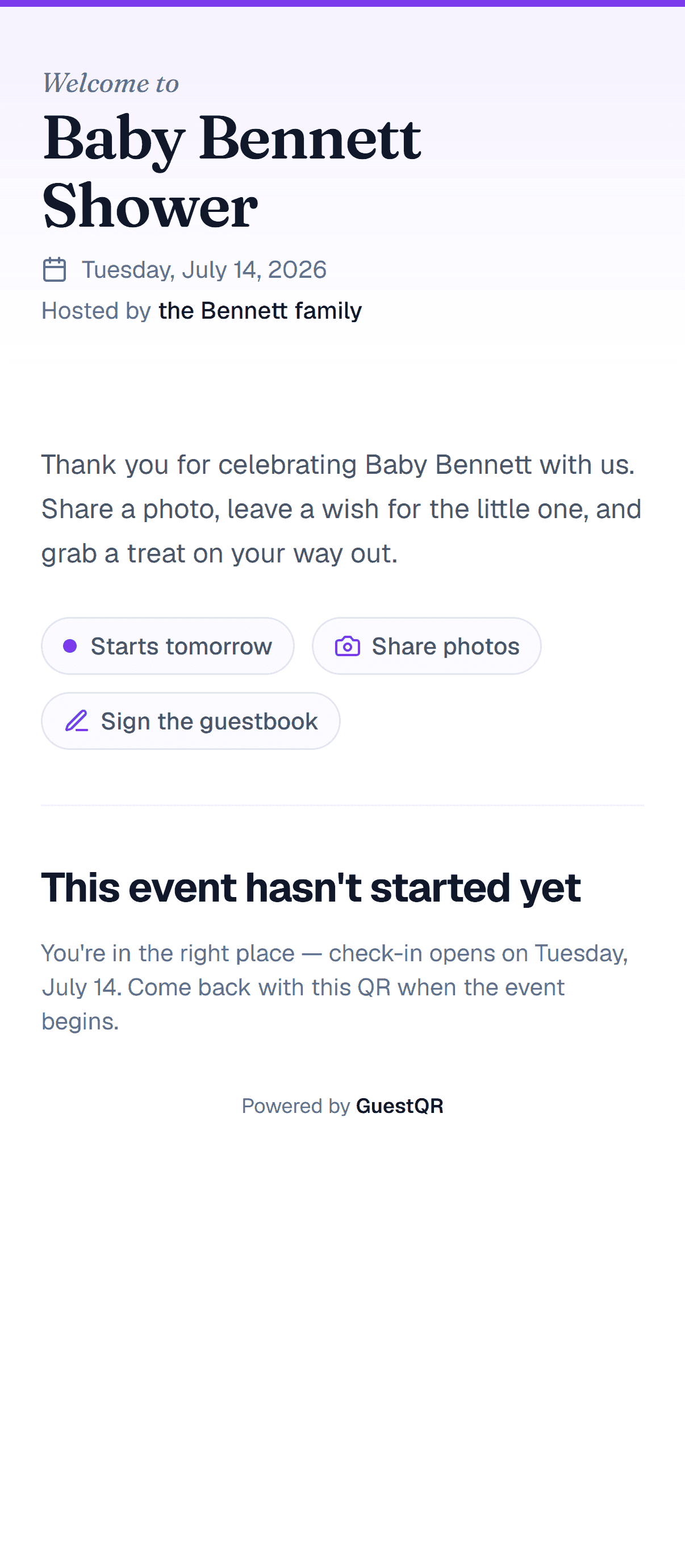
Step 2: Turn On Photos and the Guestbook
These are the two features a shower lives on:
- Photo uploads — every guest's camera roll, pooled in one place. You'll get dozens of candids the host would never have captured alone.
- Guestbook — reframe it as wishes and advice for the parents. A prompt like "Share your best parenting tip or a wish for the baby" turns a blank box into a keepsake.
Step 3: Print Soft, On-Theme Table Cards
A little QR card on each table tells guests how to join — and it can look like part of the décor, not an afterthought. Download your event's QR code from the QR & Share page, drop it onto soft pastel card stock with a line like "Scan to share photos & wishes," and it reads as part of the styling rather than tech.
Step 4: Let the Photos Pile Up
This is the magic of a shower on GuestQR. While everyone's playing games and opening gifts, they're also quietly uploading photos from their phones. By the end, the host has a shared gallery of the whole afternoon — sharp photos, no chasing people for pictures weeks later.
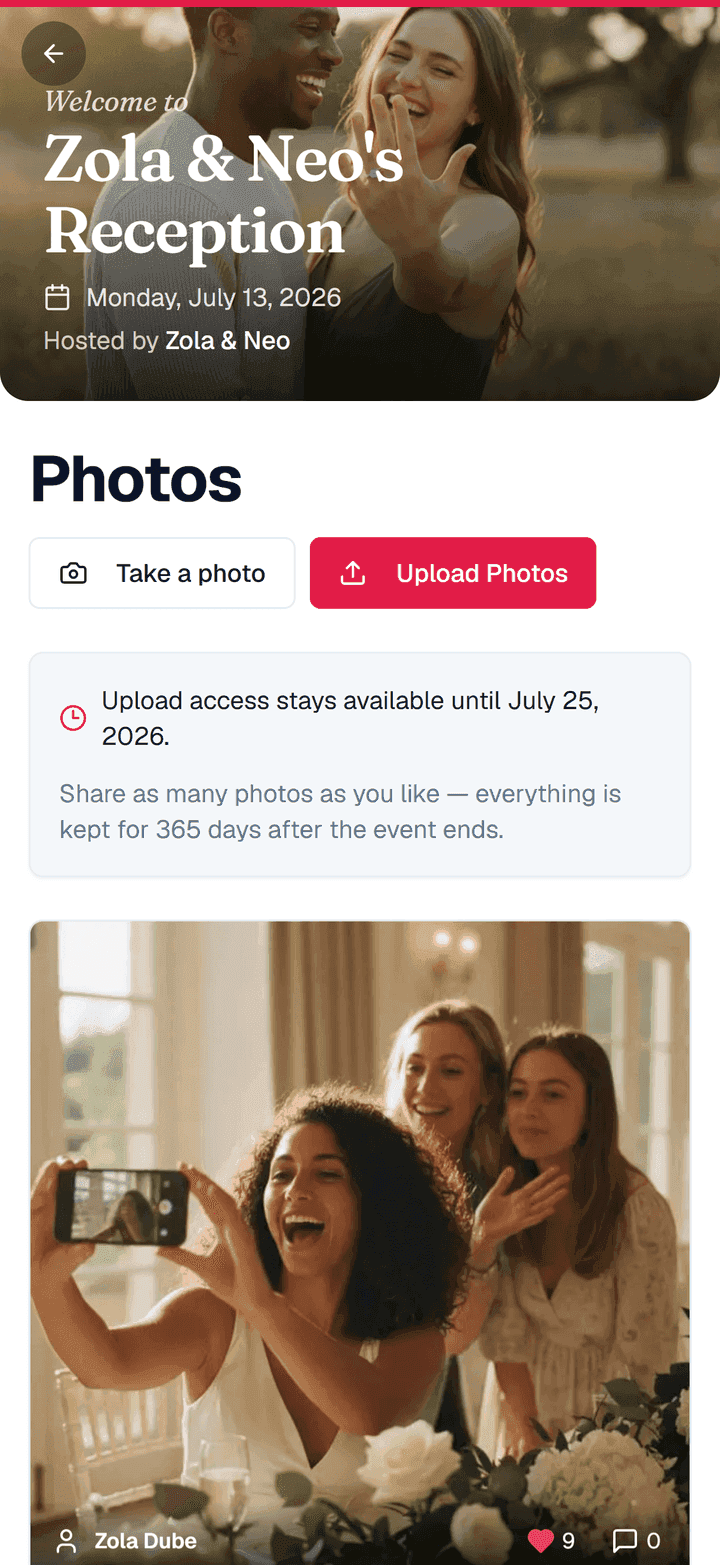
Step 5: Hand the Parents a Keepsake
After the shower, the parents-to-be get two lovely things to keep:
- Every photo, downloadable in one go.
- Every note from the guestbook — the advice, the jokes, the heartfelt wishes — saved in one place.
It's the kind of thing that gets read again on the first sleepless night, and again on a first birthday.
A Few Nice Touches
- Comments and likes let guests react to each other's photos — showers are social, and so is the gallery.
- A cover photo of the parents (or a cute "oh baby" banner) makes the welcome screen feel personal.
- No app, no accounts means even the least techy aunt can join with a single scan.
Set up a baby shower in five minutes
Self check-in, shared photos, and a wishes-and-advice guestbook — all from one QR code, no app for guests. Free to start with unlimited guests.
Frequently Asked Questions
Do baby shower guests need to download anything?
No. They scan the QR code, tap to check in, and upload photos or leave a note right in their browser.
Can I collect advice instead of a plain guestbook message?
Yes. The guestbook is just a prompt and a place to answer — in writing, by voice, or on video. Change the framing to "share a wish or a tip for the parents" and that's what you'll get.
What happens to the photos afterward?
The host can download every photo at once and keep the full guestbook of messages. Uploads stay open for 10 days after the event by default, and you can shorten or extend that window.