The Feature People Crowd Around
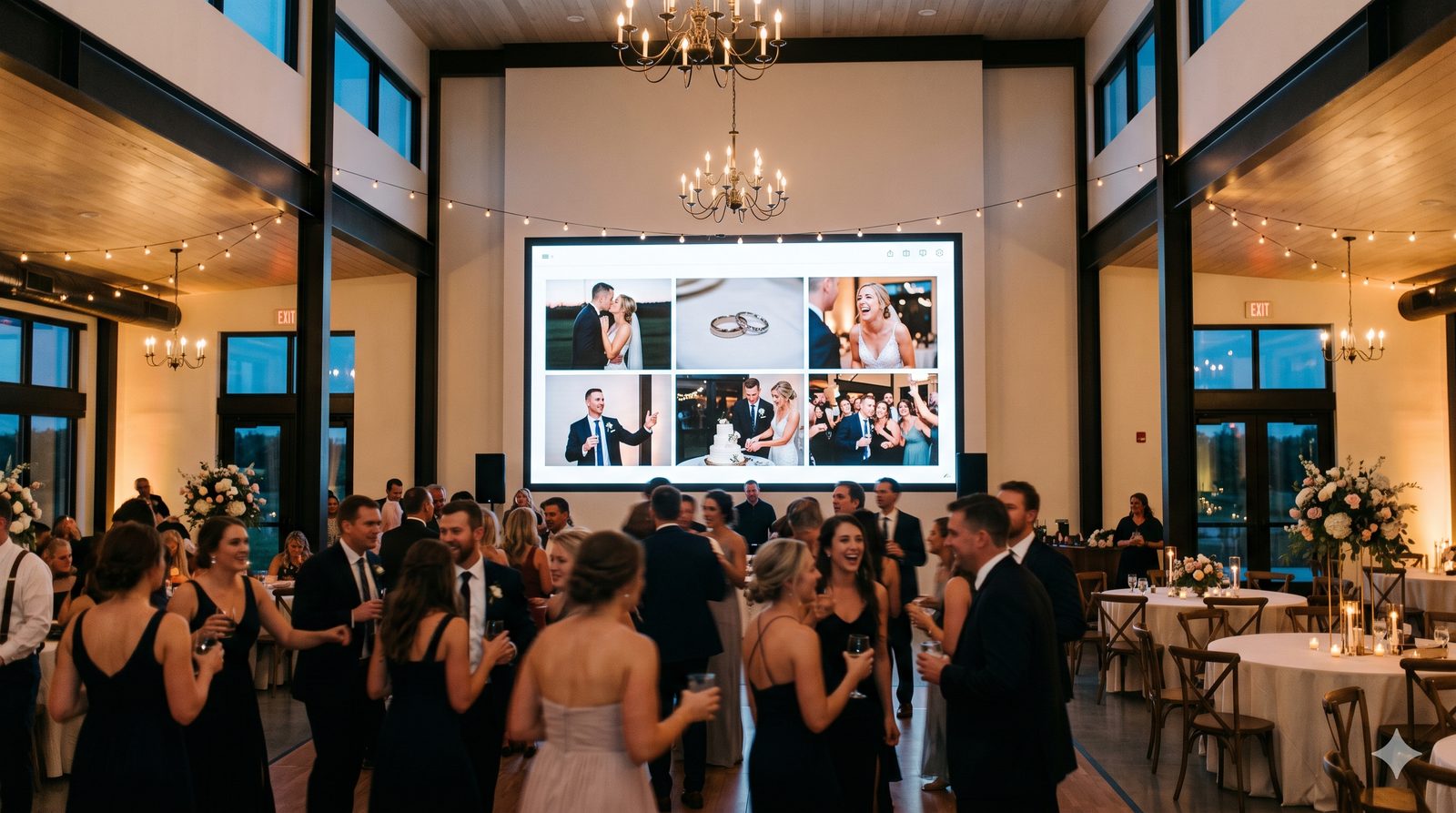
Some features are useful. The live wall is the one guests actually gather around. It takes the photos your guests are already uploading and projects them onto the venue screen as a full-screen, auto-rotating slideshow — with reactions and comments floating gently across the image.
The effect is a feedback loop: people see their photo go up, others want theirs up too, and suddenly everyone's contributing to the gallery without being asked.

How It Works
The live wall is just a web page. You open it on whatever screen the venue has — a projector, a TV on a stand, a laptop plugged into the house system — and it runs itself.
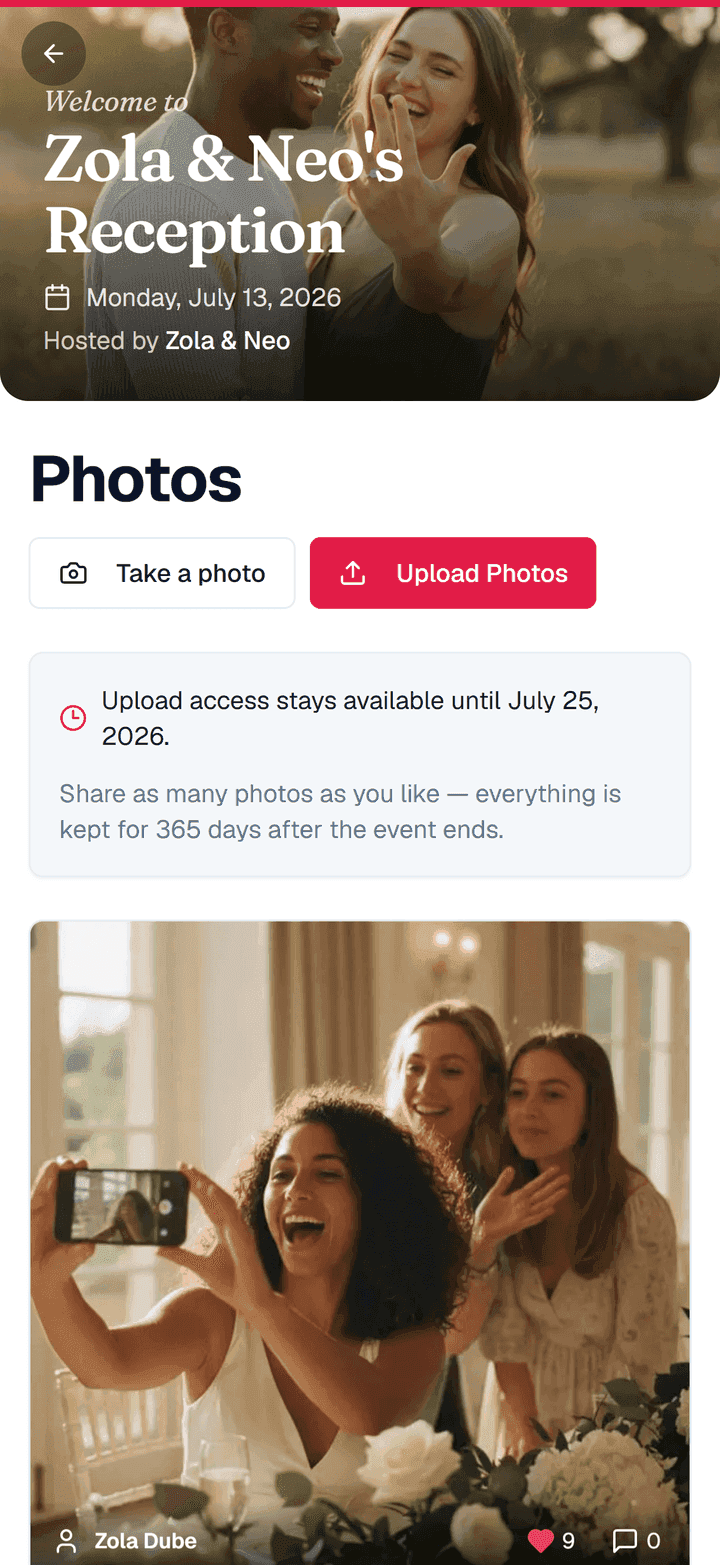
- Guests upload photos from the same QR code they scanned at the door.
- New photos appear on the wall automatically, newest in rotation.
- Reactions and comments drift across the screen as they come in.
- It loops all night, hands-free, with a play/pause control if you want it.
Because it pulls from the same gallery guests already use, there's nothing extra for them to learn — they upload as normal, and the wall does the rest.
Why It Drives So Many More Photos
A silent upload link gives a guest no reason to bother. The live wall gives them a stage. When someone's candid shot from the dance floor appears ten feet tall a minute later, the whole room realizes the gallery is live — and participation jumps.
That's the quiet genius of it: the live wall isn't really a display feature, it's a collection feature. It makes the photo gallery fill itself.
Nice Touches
- Your branding — the event name sits at the top; the uploader's name and table show underneath each photo.
- Multi-day filtering — running a weekend? Filter the wall by day so Saturday's photos don't get lost in Friday's.
- You stay in control — there's nothing to approve, but delete a photo from the gallery and it leaves the wall too.
- Play / pause — pause on a favorite for a toast, then let it roll again.
Setting It Up
The live wall is on every plan, including Free. Switch it on in the Customize studio (it rides along with photo sharing), open the live wall page on the venue screen, and you're done — no separate software, no cables beyond whatever connects to the display.
Put your guests' photos on the big screen
The live wall turns uploads into a real-time slideshow that pulls the whole room into the gallery. Included on every plan, including Free.
Frequently Asked Questions
What do I need to run the live wall?
Any screen with a browser — a projector, a TV, or a laptop connected to the venue's display. The live wall is just a web page you open and leave running.
Do guests do anything differently?
No. They upload photos from the usual QR code. New photos flow onto the wall automatically.
Can I keep certain photos off the wall?
You can take any photo down. There's no approval step — photos go up as guests share them — but delete one from the gallery and it leaves the wall at once.