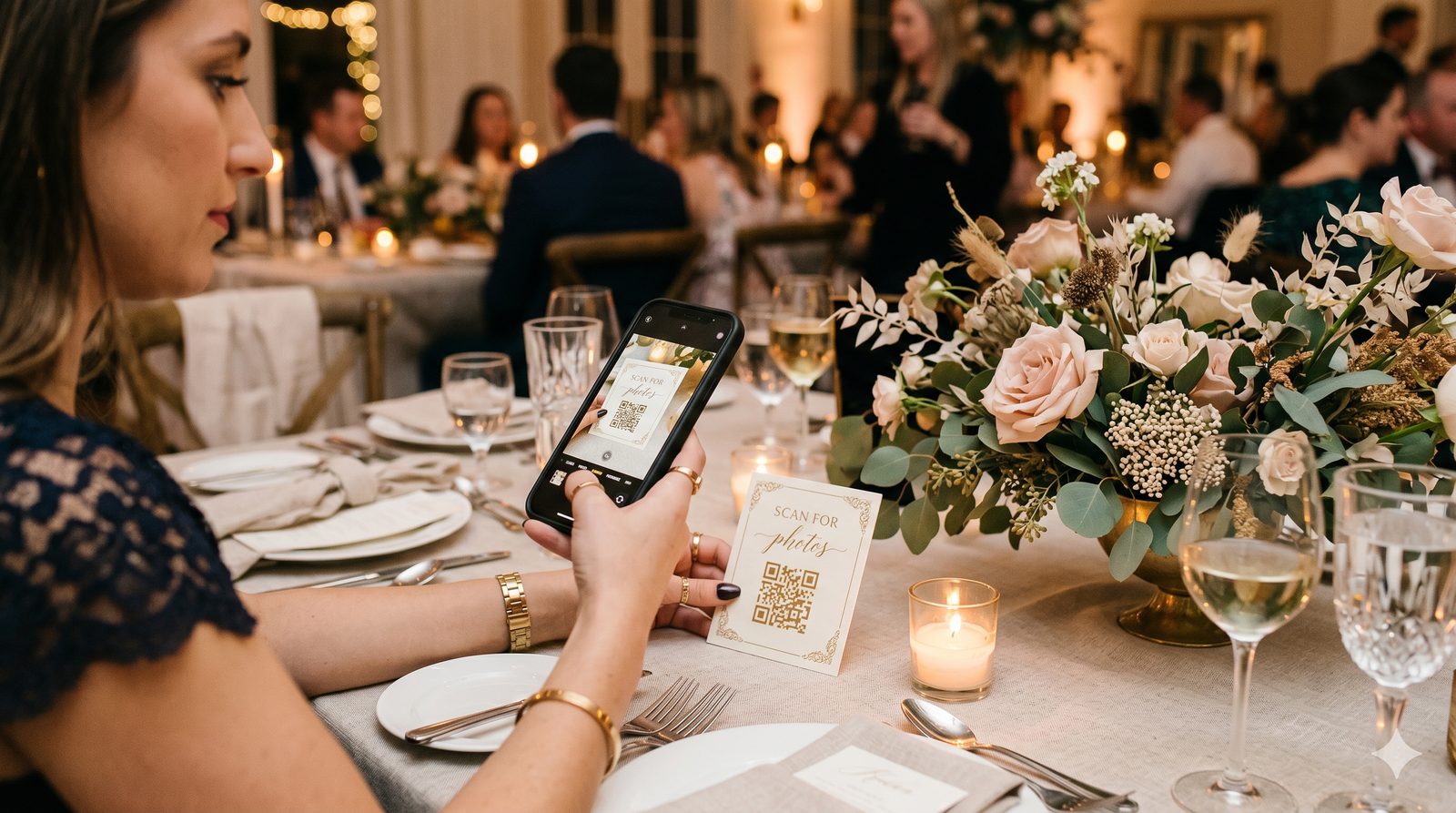
One Scan, the Whole Evening
The best compliment a guest experience can get is that nobody noticed it. No "how do I use this," no app download, no account. Just a QR code on the table, a quick scan, and everything they need.
Here's the actual journey — every screen a guest sees — using a sample wedding, Chris & Carol's Reception.
1. The Welcome Screen
The moment a guest scans, they land on a page built for your event — your names, your date, your hosts, and your accent color. It's the digital equivalent of a beautifully set table.
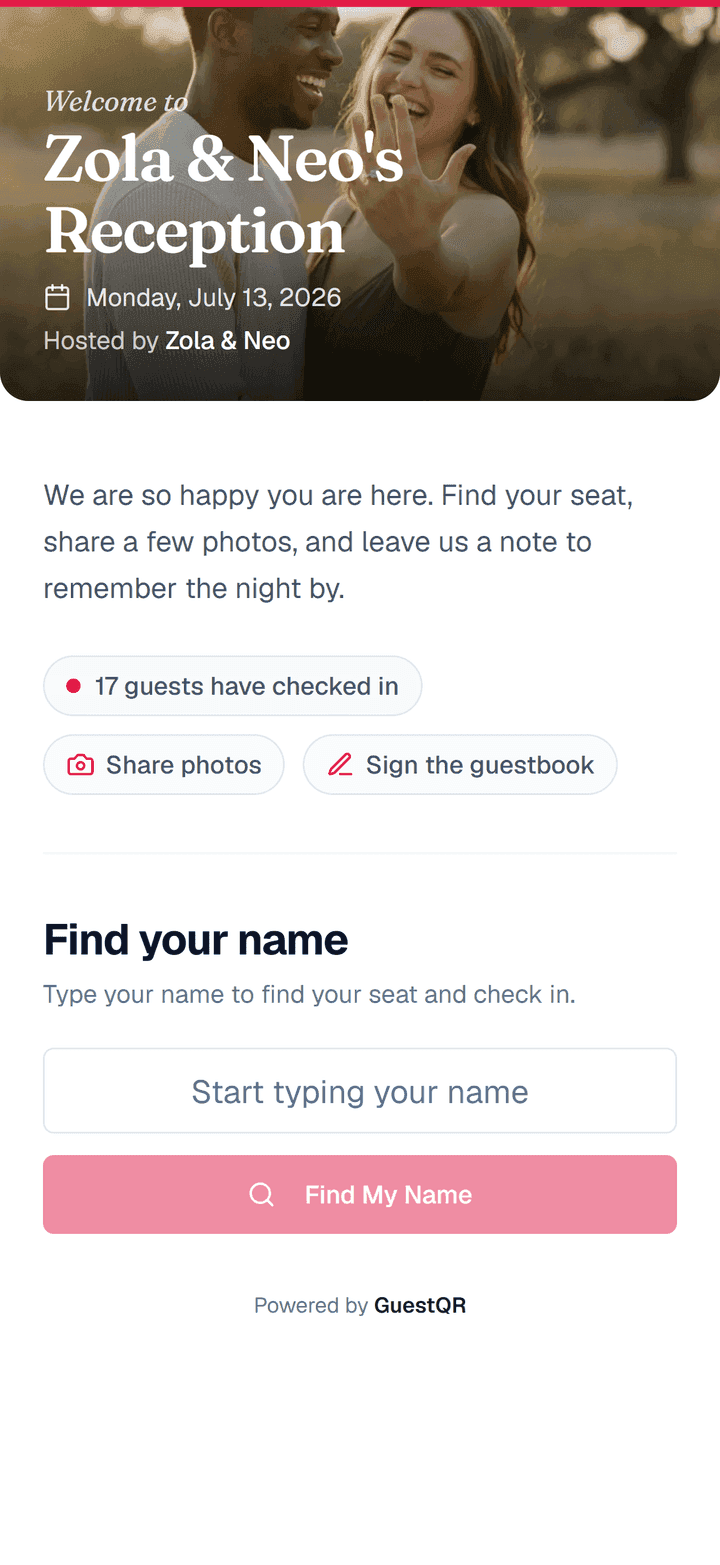
Notice there's no login wall. The only thing asked of the guest is the one thing that helps them: find your name.
2. Finding Their Seat
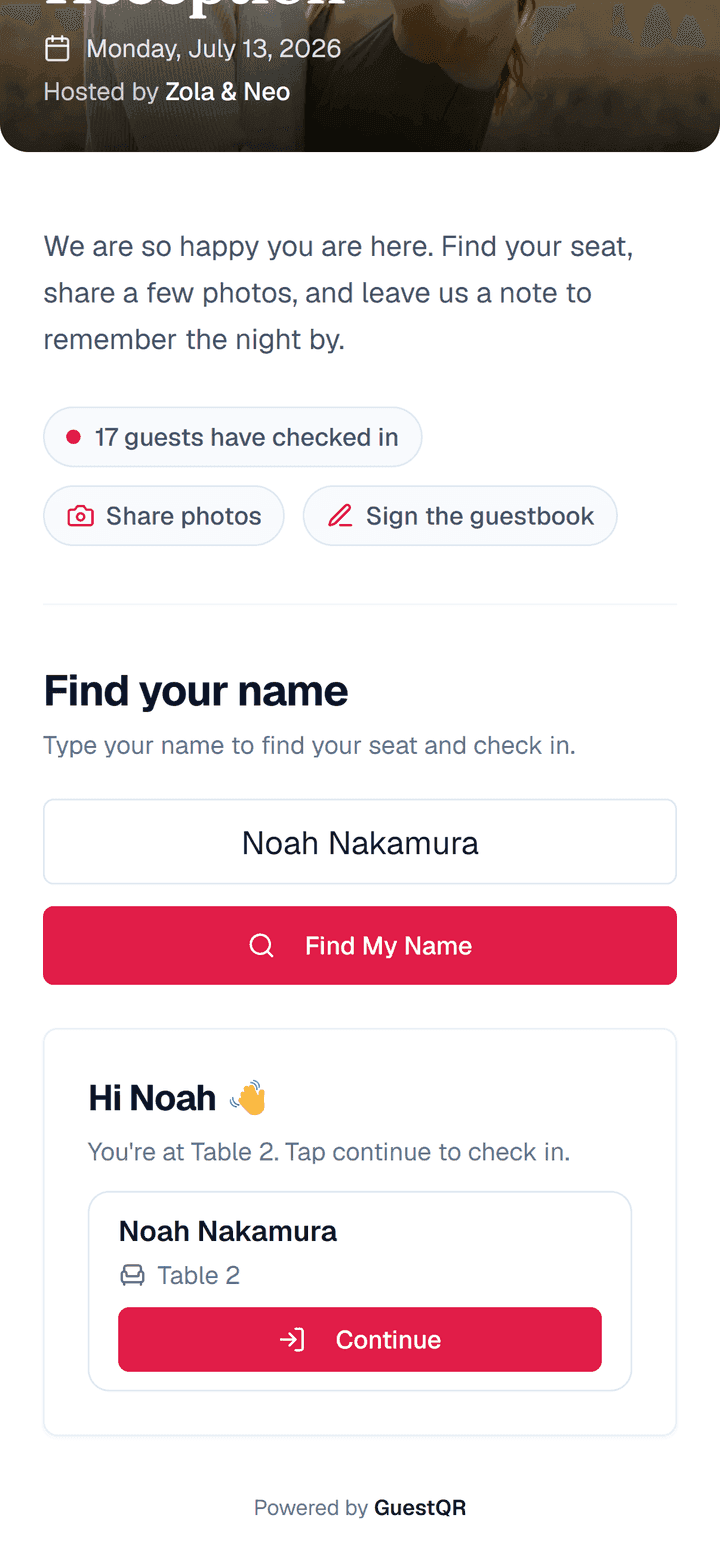
The guest types their name. GuestQR finds them and shows their table immediately — a five-second lookup that replaces the crowd around a printed board.
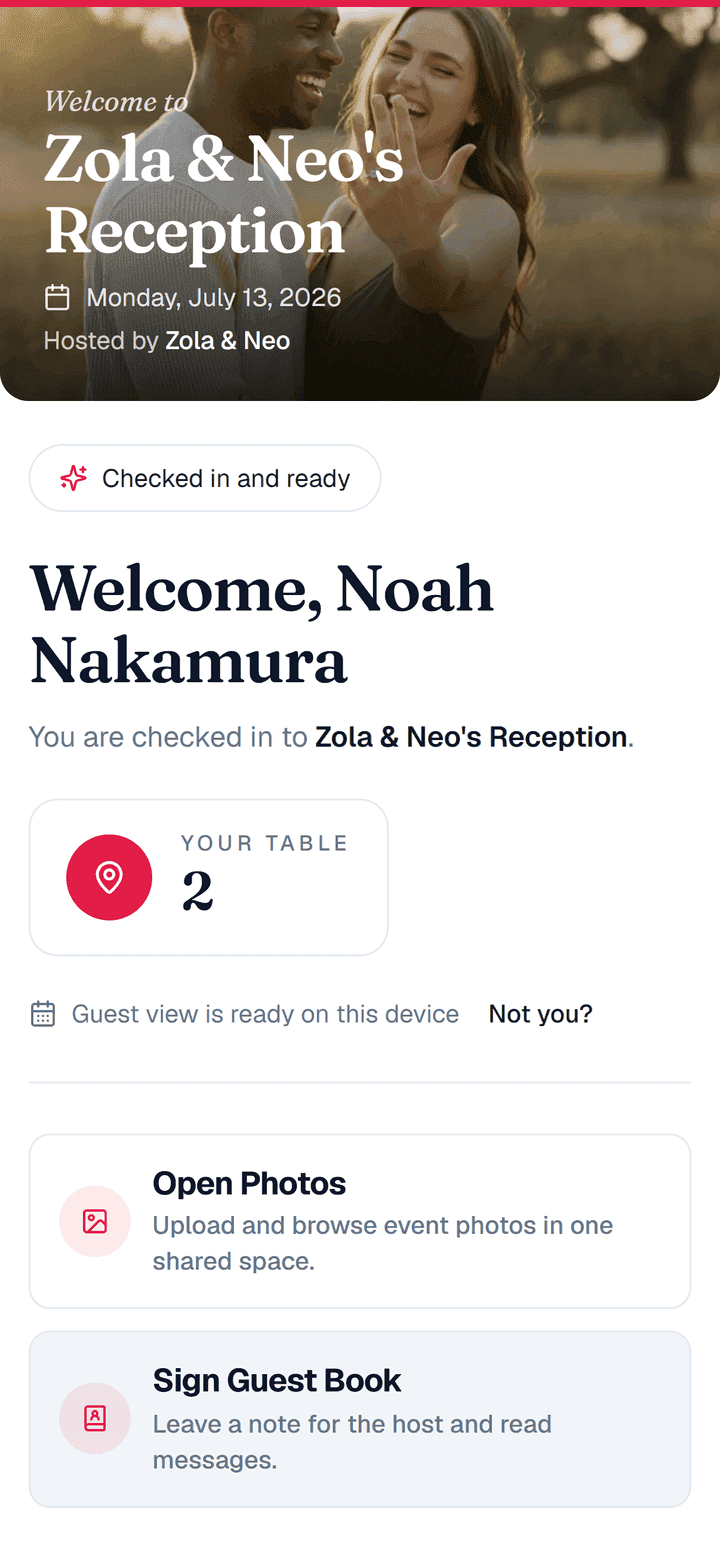
3. The Guest Home
After checking in, the guest arrives at their home base. Their table is front and center, and every feature you've enabled is one tap away. Nothing they don't need is shown.
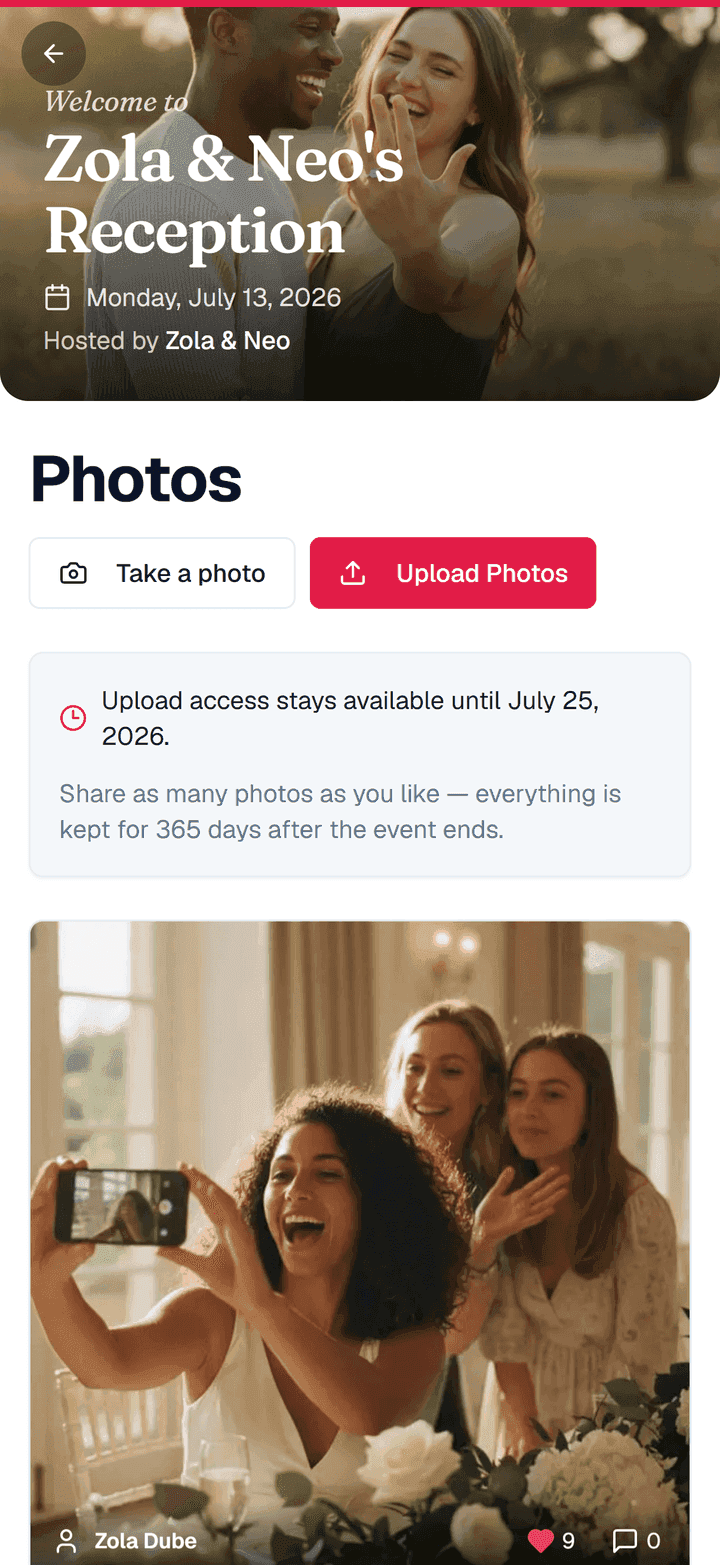
4. Sharing Photos
Tap into photos and the guest sees the shared gallery filling up in real time. Uploading is one tap — straight from the camera roll, no app, no account. The photos arrive sharp, not squeezed down to thumbnails.
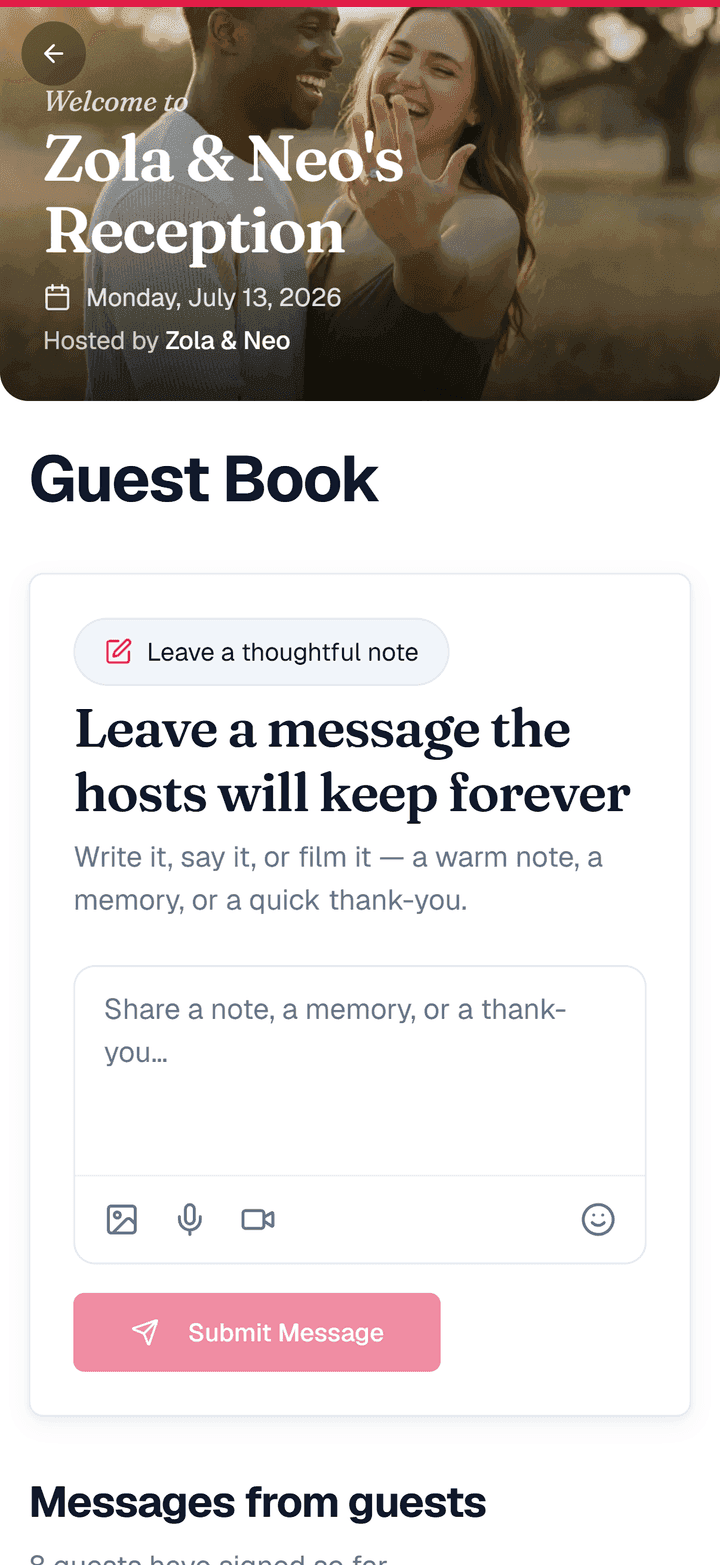
5. Signing the Guestbook
The guestbook is where the evening gets sentimental. Unlike a paper book with a single pen, dozens of guests can write at once, and messages tend to be longer and more heartfelt because typing is easy.
What the Guest Never Has to Do
Look back at those five screens and notice what's missing:
- No app to download
- No account to create
- No password to remember
- No second link to hunt for
- No instructions to read
That absence is the whole point. The technology disappears, and what's left is a guest who feels looked after from the second they walk in.
And It's the Same Code All Night
Check-in, table lookup, photos, guestbook — every one of those screens came from a single QR code on the table. Print it once, and it carries the entire evening.
Give your guests this exact experience
Set it up once and let one QR code carry check-in, table lookup, photos, and the guestbook. Free to start with unlimited guests.
Frequently Asked Questions
Will older or less tech-savvy guests manage this?
Yes — that's why it's a single scan with no app and no account. If a phone can open a camera, it can use GuestQR. The hardest thing a guest does is type their own name.
Can I turn features off?
Absolutely. Each event shows only what you enable. A memorial might use the guestbook and photos but not table assignments; a corporate dinner might use check-in and photos only.
Does the guest experience match my event's style?
You set an accent color and welcome message, and can pair it with matching printed materials so the on-screen and on-table experiences feel like one design.